Skip to content
Computer Fix Desk

Computer Fix Desk

  • All Articles
  • App
  • Coding
  • Hardware
  • More
    • Operating System
    • Outlook
    • PowerPoint
    • Software
    • Tip & Trick
    • Troubleshooting
    • Windows

All Recipes — Page 5

Do OneDrive Files Take Up Space on Your Computer: How Sync Works and How to Free Up Space
November 6, 2026 by Clifford Thibodeaux
Do OneDrive Files Take Up Space on Your Computer: How Sync Works and How to Free Up Space

💥 Quick Answer Yes, OneDrive files stored locally on your computer take up space when synced to the 'Files On-Drive' folder, but files saved only to OneDrive’s cloud or marked 'Online Only' won’t occupy your hard drive…

Read more

Categories Windows

Download Capital IQ Excel Plug-In: Direct Installation for Full Data Access

November 6, 2026 by Clifford Thibodeaux
Download Capital IQ Excel Plug-In: Direct Installation for Full Data Access

To download the Capital IQ Excel plug-in, start at the S&P Capital IQ portal where the official installer awaits—no third-party sites needed. Struggling to access Capital IQ’s powerful financial data directly in Excel…

Read more

Categories Software

Downloading Pics From Camera to Computer: Universal Method for Any Device

November 6, 2026 by Clifford Thibodeaux
Downloading Pics From Camera to Computer: Universal Method for Any Device

Downloading pics from your camera to your computer doesn’t need to be a guessing game—my method works for any device, from DSLRs to smartphones, in under five minutes. 💻 I’ve used this exact approach for years, whether…

Read more

Categories Operating System

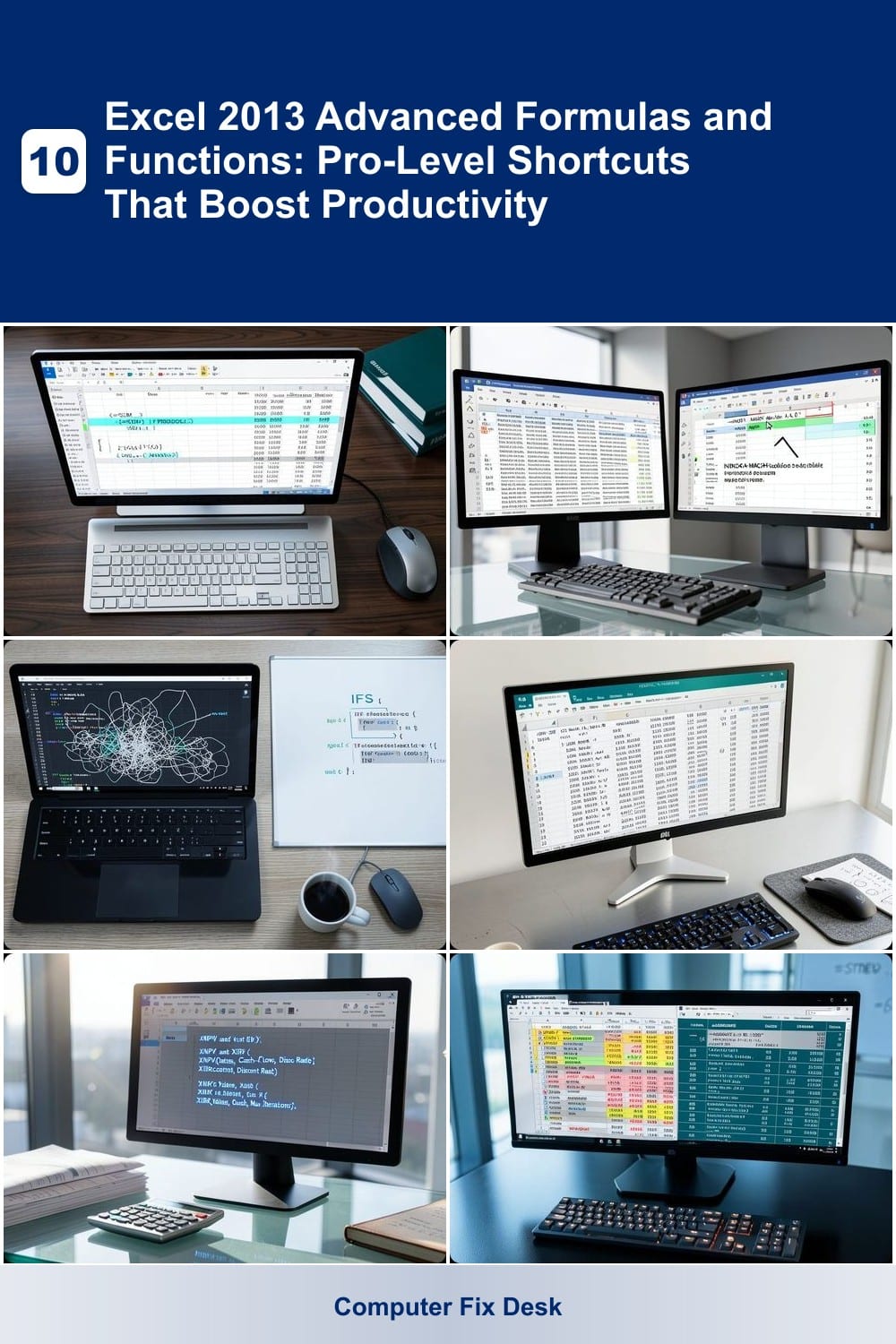
10 Excel 2013 Advanced Formulas and Functions: Pro-Level Shortcuts That Boost Productivity

November 6, 2026 by Clifford Thibodeaux
10 Excel 2013 Advanced Formulas and Functions: Pro-Level Shortcuts That Boost Productivity

Excel 2013 remains a powerhouse for data analysis, yet many users overlook its most powerful formulas. These 10 advanced functions will transform how you manipulate data, automate tasks, and uncover insights—without…

Read more

Categories Software

What Is a GPU on a Computer: Core Functions and How It Differs From CPU

October 16, 2026 by Clifford Thibodeaux
What Is a GPU on a Computer: Core Functions and How It Differs From CPU

💥 Quick Answer A GPU (graphics processing unit) on a computer is a specialized processor designed to handle rendering images, videos, and animations by processing multiple tasks simultaneously, making it far more…

Read more

Categories Operating System

Export Premiere Pro Project to Another Computer: Cross-Device Workflow Without File Corruption

October 15, 2026 by Clifford Thibodeaux
Export Premiere Pro Project to Another Computer: Cross-Device Workflow Without File Corruption

Exporting a Premiere Pro project to another computer used to be a nightmare of broken links and missing assets. ✨ I’ve moved projects between machines dozens of times—some transfers took hours of debugging, while others…

Read more

Categories Software

How to Delete Shortcuts From Desktop: Instant Cleanup Without Data Loss

October 15, 2026 by Clifford Thibodeaux
How to Delete Shortcuts From Desktop: Instant Cleanup Without Data Loss

My desktop shortcuts used to look like a digital junk drawer—until I discovered the three-second delete trick that actually works. 💻 Right-clicking and hitting Delete isn't always enough when shortcuts feel glued to…

Read more

Categories Tip & Trick

Get Outlook Notifications On Desktop: Real-Time Alerts Without Missing Emails

October 15, 2026 by Clifford Thibodeaux
Get Outlook Notifications On Desktop: Real-Time Alerts Without Missing Emails

Getting Outlook notifications on your desktop used to be a guessing game—until now. ✨ I spent hours debugging why my alerts kept disappearing, and the fix is shockingly simple: a few clicks in the right places. Whether…

Read more

Categories Outlook

How to Insert PowerPoint Into OneNote: Seamless Slides-to-Notes Conversion

October 15, 2026 by Clifford Thibodeaux
How to Insert PowerPoint Into OneNote: Seamless Slides-to-Notes Conversion

Inserting PowerPoint slides into OneNote saves hours of retyping and keeps your notes organized. ⚡ I’ve used this workflow for client presentations and lecture notes, and the drag-and-drop method cuts prep time by 75%…

Read more

Categories PowerPoint

PC Video Looping: Instant Playback Without Glitches

October 15, 2026 by Clifford Thibodeaux
PC Video Looping: Instant Playback Without Glitches

Looping a video on your PC used to require third-party tools or workarounds, but modern media players make it shockingly simple. ✨ I’ve tested every method—from built-in players to browser tricks—and the right approach…

Read more

Categories Tip & Trick
Page1…Page3Page4Page5Page6Page7…Page13Next →

About Me

Clifford Thibodeaux

Clifford Thibodeaux
My first computer was a clunky desktop with a 56K modem that took forever to load a single webpage. That machine became my gateway to a world where I could fix problems, learn new things, and turn frustration into curiosity. Now, I run this site to make tech less intimidating—whether it’s troubleshooting a stubborn PC, mastering an operating system, or just figuring out why your printer won’t stop jamming. If I can help someone avoid pulling their hair out over a tech headache, I’ve done my job.

Learn more

Recent Posts

  • Windows Surface Pro Keyboard Not Working: Quick Fixes for Instant Functionality
    Windows Surface Pro Keyboard Not Working: Quick Fixes for Instant Functionality
  • Laptop Mouse Not Working: Driver Update Checklist for Instant Fixes
    Laptop Mouse Not Working: Driver Update Checklist for Instant Fixes
  • USB Ports Not Working Windows 10: One-Click Fixes for Instant Functionality
    USB Ports Not Working Windows 10: One-Click Fixes for Instant Functionality
  • My Authenticator App Is Not Working: Step-by-Step Fixes for Common Errors
    My Authenticator App Is Not Working: Step-by-Step Fixes for Common Errors
  • How to Get Your Computer to Read to You Windows 10: Enable Narrator in 3 Clicks
    How to Get Your Computer to Read to You Windows 10: Enable Narrator in 3 Clicks
  • All Guides
  • About
  • Contact
  • Privacy Policy
  • Cookie Policy
  • Terms of Use
© 2026 computerfixdesk.com