Skip to content
Computer Fix Desk

Computer Fix Desk

  • All Articles
  • App
  • Coding
  • Hardware
  • More
    • Operating System
    • Outlook
    • PowerPoint
    • Software
    • Tip & Trick
    • Troubleshooting
    • Windows

All Recipes — Page 3

Microsoft Windows Desktop Runtime 6.0.5 (x64): Fix Crashes and Restore App Performance
November 21, 2026 by Clifford Thibodeaux
Microsoft Windows Desktop Runtime 6.0.5 (x64): Fix Crashes and Restore App Performance

The Microsoft Windows Desktop Runtime 6.0.5 (x64) is the backbone for apps like Visual Studio and .NET tools—but it’s also a common culprit behind crashes and slowdowns. Struggling with app crashes, missing features, or…
Read more

Categories Windows

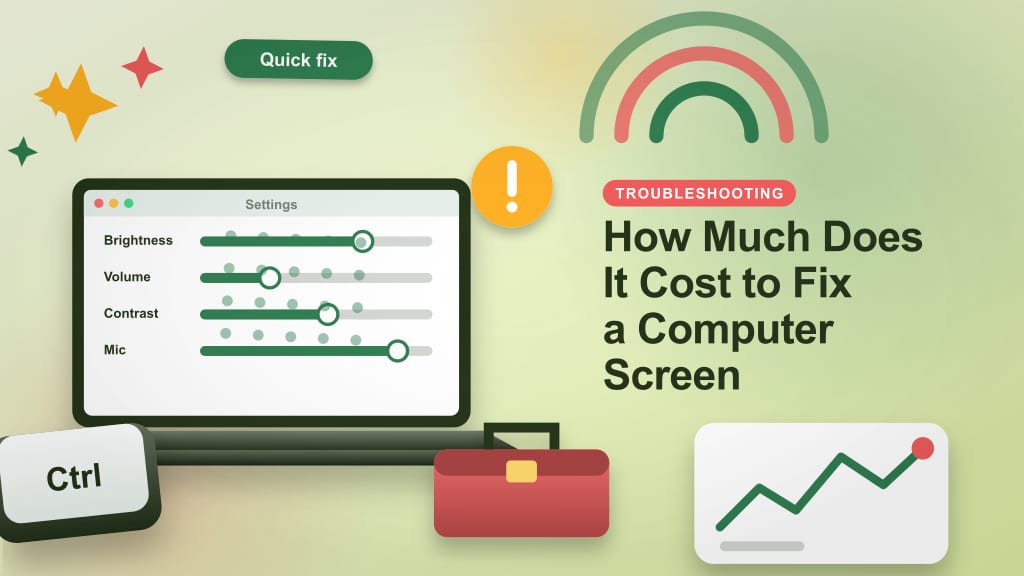
How Much Does It Cost to Fix a Computer Screen: Average Prices by Damage Type

November 17, 2026 by Clifford Thibodeaux
How Much Does It Cost to Fix a Computer Screen: Average Prices by Damage Type

💥 Quick Answer Fixing a computer screen costs between $100 and $500+ depending on the damage type—cracked displays typically range from $150 to $300, while full replacements for laptops start around $200 and go up to…

Read more

Categories Troubleshooting

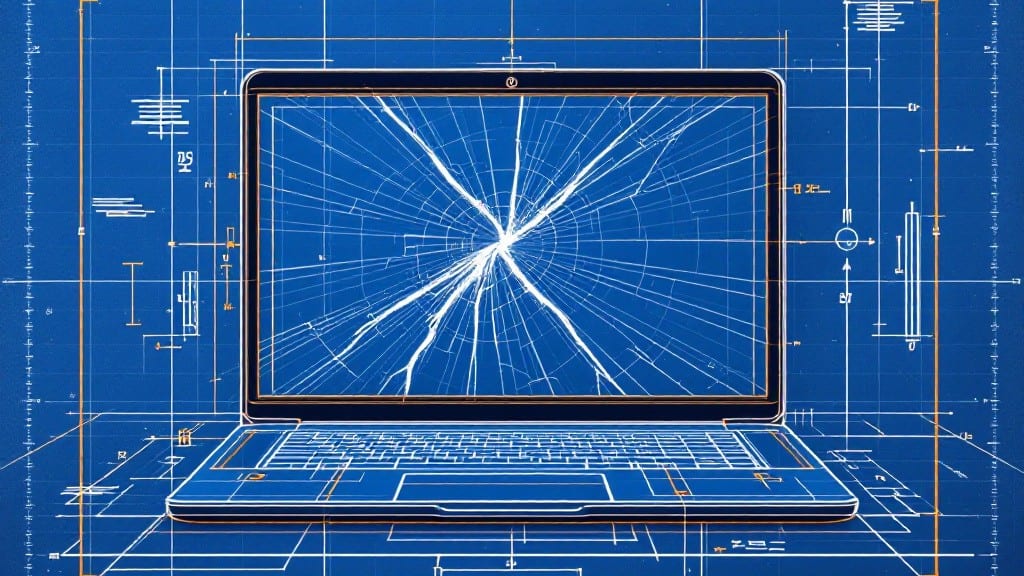
How to Fix a Computer Screen That Is Cracked on the Inside: Step-by-Step Repair Guide for LCD Damage

November 17, 2026 by Clifford Thibodeaux
How to Fix a Computer Screen That Is Cracked on the Inside: Step-by-Step Repair Guide for LCD Damage

Learn how to fix a computer screen that is cracked on the inside before the damage spreads—those spiderweb fractures mean your display is fighting for its life. ⚡ Whether it’s from a dropped laptop, manufacturing flaw…

Read more

Categories Troubleshooting

How to Use Onedrive to Transfer Files to New Computer: Seamless Migration to Your New Computer

November 17, 2026 by Clifford Thibodeaux
How to Use Onedrive to Transfer Files to New Computer: Seamless Migration to Your New Computer

Learn how to use OneDrive to transfer files to a new computer —then you’ll wonder why you ever relied on external drives or CDs. ✨ I’ve used this method to migrate data for clients and family members, and the process…

Read more

Categories Tip & Trick

What Is Memory on a Computer: How It Stores and Retrieves Data Instantly

November 17, 2026 by Clifford Thibodeaux
What Is Memory on a Computer: How It Stores and Retrieves Data Instantly

💥 Quick Answer Memory on a computer is the volatile storage system—like RAM—that temporarily stores data and instructions your CPU needs to access instantly for processing tasks. Unlike long-term storage (like SSDs), it…

Read more

Categories Operating System

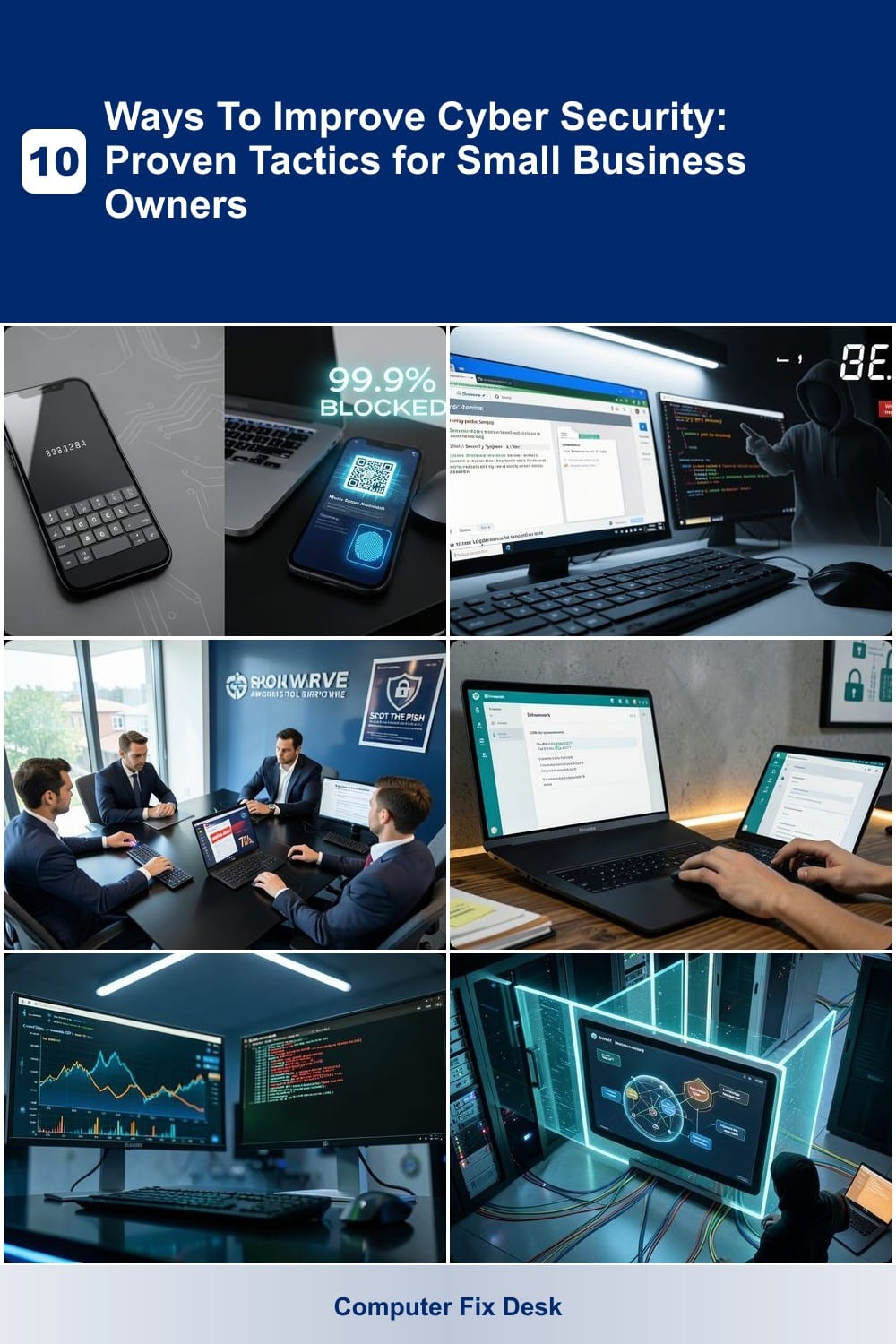
10 Ways To Improve Cyber Security: Proven Tactics for Small Business Owners

November 6, 2026 by Clifford Thibodeaux
10 Ways To Improve Cyber Security: Proven Tactics for Small Business Owners

Small businesses face constant cyber threats, yet many lack basic protections. These 10 proven cybersecurity tactics help safeguard sensitive data, prevent costly breaches, and build trust with customers—without…

Read more

Categories Operating System

Active Directory Users and Computers Snap-In: Hidden Features for Power Users

November 6, 2026 by Clifford Thibodeaux
Active Directory Users and Computers Snap-In: Hidden Features for Power Users

The Active Directory Users and Computers Snap-In is your gateway to streamlining user management in Windows Server—once you uncover its hidden shortcuts. Did you know most admins miss bulk-editing tools and advanced…

Read more

Categories Operating System

Active Directory Users and Computers in Windows 7: Hidden Tools for Advanced Management

November 6, 2026 by Clifford Thibodeaux
Active Directory Users and Computers in Windows 7: Hidden Tools for Advanced Management

Mastering Active Directory Users and Computers in Windows 7 gives you control over domain management that still works like a charm—even after Microsoft’s retirement notice. Picture this: You’re troubleshooting a stubborn…

Read more

Categories Windows

Windows Always Wait for the Network at Computer Startup and Logon: Bypass Delays with 3 Proven Registry Tweaks

November 6, 2026 by Clifford Thibodeaux
Windows Always Wait for the Network at Computer Startup and Logon: Bypass Delays with 3 Proven Registry Tweaks

Always wait for the network at computer startup and logon— that small delay can stretch your morning routine into a frustrating five-minute pause for no reason. Picture this: your Windows PC sits frozen at the login…

Read more

Categories Windows

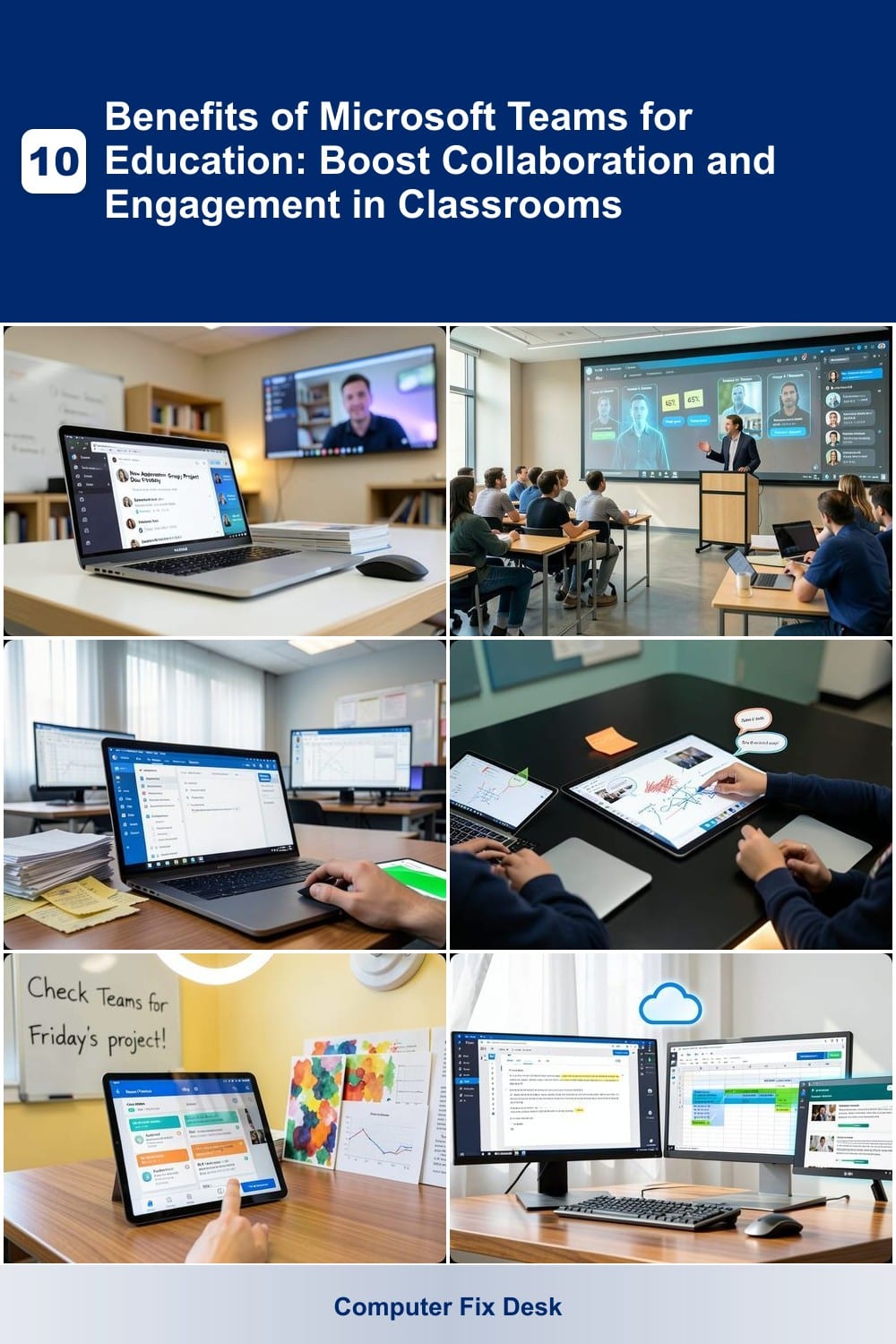
10 Benefits of Microsoft Teams for Education: Boost Collaboration and Engagement in Classrooms

November 6, 2026 by Clifford Thibodeaux
10 Benefits of Microsoft Teams for Education: Boost Collaboration and Engagement in Classrooms

Microsoft Teams is transforming modern classrooms by making collaboration seamless and engagement interactive. These 10 benefits show how educators can leverage Teams to create dynamic learning experiences that bridge…

Read more

Categories Software
Page1Page2Page3Page4Page5…Page13Next →

About Me

Clifford Thibodeaux

Clifford Thibodeaux
My first computer was a clunky desktop with a 56K modem that took forever to load a single webpage. That machine became my gateway to a world where I could fix problems, learn new things, and turn frustration into curiosity. Now, I run this site to make tech less intimidating—whether it’s troubleshooting a stubborn PC, mastering an operating system, or just figuring out why your printer won’t stop jamming. If I can help someone avoid pulling their hair out over a tech headache, I’ve done my job.

Learn more

Recent Posts

  • Windows Surface Pro Keyboard Not Working: Quick Fixes for Instant Functionality
    Windows Surface Pro Keyboard Not Working: Quick Fixes for Instant Functionality
  • Laptop Mouse Not Working: Driver Update Checklist for Instant Fixes
    Laptop Mouse Not Working: Driver Update Checklist for Instant Fixes
  • USB Ports Not Working Windows 10: One-Click Fixes for Instant Functionality
    USB Ports Not Working Windows 10: One-Click Fixes for Instant Functionality
  • My Authenticator App Is Not Working: Step-by-Step Fixes for Common Errors
    My Authenticator App Is Not Working: Step-by-Step Fixes for Common Errors
  • How to Get Your Computer to Read to You Windows 10: Enable Narrator in 3 Clicks
    How to Get Your Computer to Read to You Windows 10: Enable Narrator in 3 Clicks
  • All Guides
  • About
  • Contact
  • Privacy Policy
  • Cookie Policy
  • Terms of Use
© 2026 computerfixdesk.com