Skip to content
Computer Fix Desk

Computer Fix Desk

  • All Articles
  • App
  • Coding
  • Hardware
  • More
    • Operating System
    • Outlook
    • PowerPoint
    • Software
    • Tip & Trick
    • Troubleshooting
    • Windows

Windows

Active Directory Users and Computers in Windows 7: Hidden Tools for Advanced Management
November 6, 2026 by Clifford Thibodeaux
Active Directory Users and Computers in Windows 7: Hidden Tools for Advanced Management

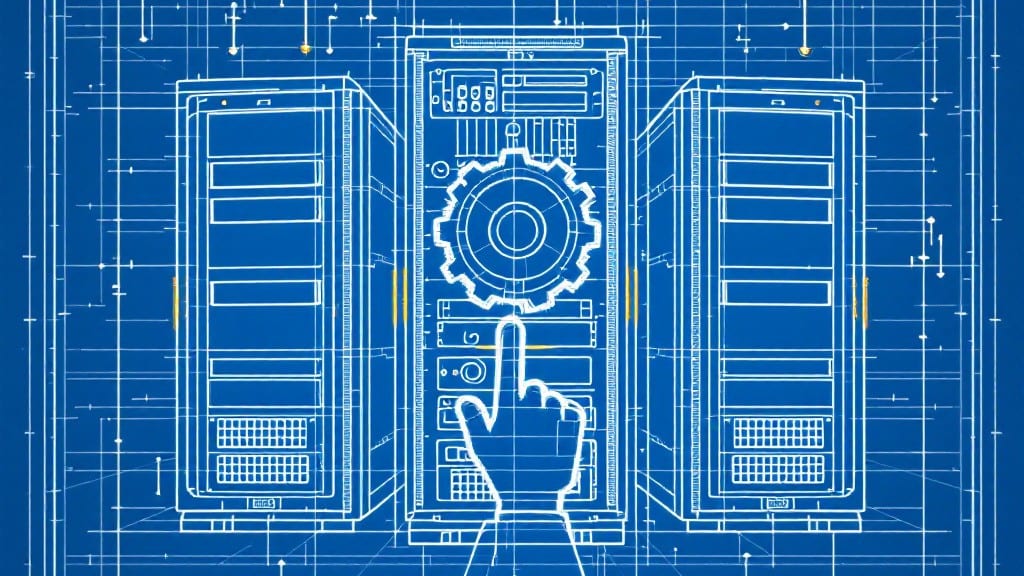
Mastering Active Directory Users and Computers in Windows 7 gives you control over domain management that still works like a charm—even after Microsoft’s retirement notice. Picture this: You’re troubleshooting a stubborn…
Read more

Categories Windows

Windows Always Wait for the Network at Computer Startup and Logon: Bypass Delays with 3 Proven Registry Tweaks

November 6, 2026 by Clifford Thibodeaux
Windows Always Wait for the Network at Computer Startup and Logon: Bypass Delays with 3 Proven Registry Tweaks

Always wait for the network at computer startup and logon— that small delay can stretch your morning routine into a frustrating five-minute pause for no reason. Picture this: your Windows PC sits frozen at the login…

Read more

Categories Windows

Computer Crash Blue Screen Windows 7: Safe Recovery Without Data Loss

November 6, 2026 by Clifford Thibodeaux
Computer Crash Blue Screen Windows 7: Safe Recovery Without Data Loss

That computer crash with the dreaded blue screen in Windows 7 isn’t just annoying—it’s a wake-up call from your system. ⚡ I’ve fixed dozens of these crashes, and the key is acting fast before panic sets in. Most BSODs in…

Read more

Categories Windows

Computer Power Log Download Windows 7: Where to Find Official Microsoft Archives

November 6, 2026 by Clifford Thibodeaux
Computer Power Log Download Windows 7: Where to Find Official Microsoft Archives

To troubleshoot your computer’s sleep, hibernate, or battery problems safely, start with the power log download for Windows 7 straight from Microsoft’s official archives. Picture this: your laptop shuts down mid-work, or…

Read more

Categories Windows

Do OneDrive Files Take Up Space on Your Computer: How Sync Works and How to Free Up Space

November 6, 2026 by Clifford Thibodeaux
Do OneDrive Files Take Up Space on Your Computer: How Sync Works and How to Free Up Space

💥 Quick Answer Yes, OneDrive files stored locally on your computer take up space when synced to the 'Files On-Drive' folder, but files saved only to OneDrive’s cloud or marked 'Online Only' won’t occupy your hard drive…

Read more

Categories Windows

How To Change Computer Name In Windows 10: Instant Update Without Rebooting

October 12, 2026 by Clifford Thibodeaux
How To Change Computer Name In Windows 10: Instant Update Without Rebooting

To change your computer name in Windows 10, you don’t need a reboot—just a few clicks and a hidden trick that’s saved me from waiting every time. 💡 I’ve renamed systems for clients at Microsoft and my own ThinkPads, and…

Read more

Categories Windows

How to Find All Photos on My Computer Windows 11: Instant Locate All Hidden Images in Seconds

November 21, 2026 by Clifford Thibodeaux
How to Find All Photos on My Computer Windows 11: Instant Locate All Hidden Images in Seconds

How to find all photos on my computer in Windows 11 just got shockingly simple—no digging through folders needed! ✨ I spent years searching only to discover Windows hides a built-in search tool that finds every image…

Read more

Categories Windows

How to Get Your Computer to Read to You Windows 10: Enable Narrator in 3 Clicks

October 12, 2026 by Clifford Thibodeaux
How to Get Your Computer to Read to You Windows 10: Enable Narrator in 3 Clicks

Learning how to get your computer to read to you in Windows 10 transformed my frantic email marathon into a stress-free database recovery. Windows 10's built-in Narrator turns text into speech instantly—no extra software…

Read more

Categories Windows

How to Send Email from Computer Windows 10: Quick Setup for Sending Messages Instantly

October 12, 2026 by Clifford Thibodeaux
How to Send Email from Computer Windows 10: Quick Setup for Sending Messages Instantly

Sending email from your Windows 10 computer takes less than 5 minutes —no tech degree required. ✨ I remember setting up my first email account on my grandmother’s Windows 95 machine at twelve, and the process hasn’t…

Read more

Categories Windows

Transfer Files to New Computer Windows 8: Seamless Migration Without Data Loss Risks

October 10, 2026 by Clifford Thibodeaux
Transfer Files to New Computer Windows 8: Seamless Migration Without Data Loss Risks

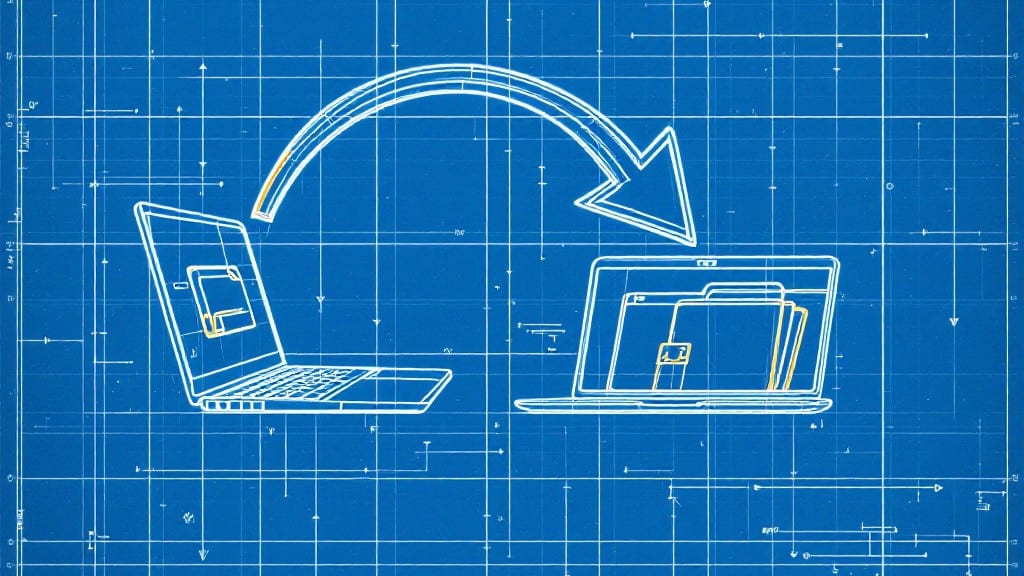
Transferring files to a new Windows 8 computer doesn't have to be a headache—especially when you know the right methods. I've migrated data for dozens of users, and the key is choosing the right approach for your needs…

Read more

Categories Windows
Page1Page2Next →

About Me

Clifford Thibodeaux

Clifford Thibodeaux
My first computer was a clunky desktop with a 56K modem that took forever to load a single webpage. That machine became my gateway to a world where I could fix problems, learn new things, and turn frustration into curiosity. Now, I run this site to make tech less intimidating—whether it’s troubleshooting a stubborn PC, mastering an operating system, or just figuring out why your printer won’t stop jamming. If I can help someone avoid pulling their hair out over a tech headache, I’ve done my job.

Learn more

Recent Posts

  • Windows Surface Pro Keyboard Not Working: Quick Fixes for Instant Functionality
    Windows Surface Pro Keyboard Not Working: Quick Fixes for Instant Functionality
  • Laptop Mouse Not Working: Driver Update Checklist for Instant Fixes
    Laptop Mouse Not Working: Driver Update Checklist for Instant Fixes
  • USB Ports Not Working Windows 10: One-Click Fixes for Instant Functionality
    USB Ports Not Working Windows 10: One-Click Fixes for Instant Functionality
  • My Authenticator App Is Not Working: Step-by-Step Fixes for Common Errors
    My Authenticator App Is Not Working: Step-by-Step Fixes for Common Errors
  • How to Get Your Computer to Read to You Windows 10: Enable Narrator in 3 Clicks
    How to Get Your Computer to Read to You Windows 10: Enable Narrator in 3 Clicks
  • All Guides
  • About
  • Contact
  • Privacy Policy
  • Cookie Policy
  • Terms of Use
© 2026 computerfixdesk.com