Skip to content
Computer Fix Desk

Computer Fix Desk

  • All Articles
  • App
  • Coding
  • Hardware
  • More
    • Operating System
    • Outlook
    • PowerPoint
    • Software
    • Tip & Trick
    • Troubleshooting
    • Windows

All Recipes — Page 4

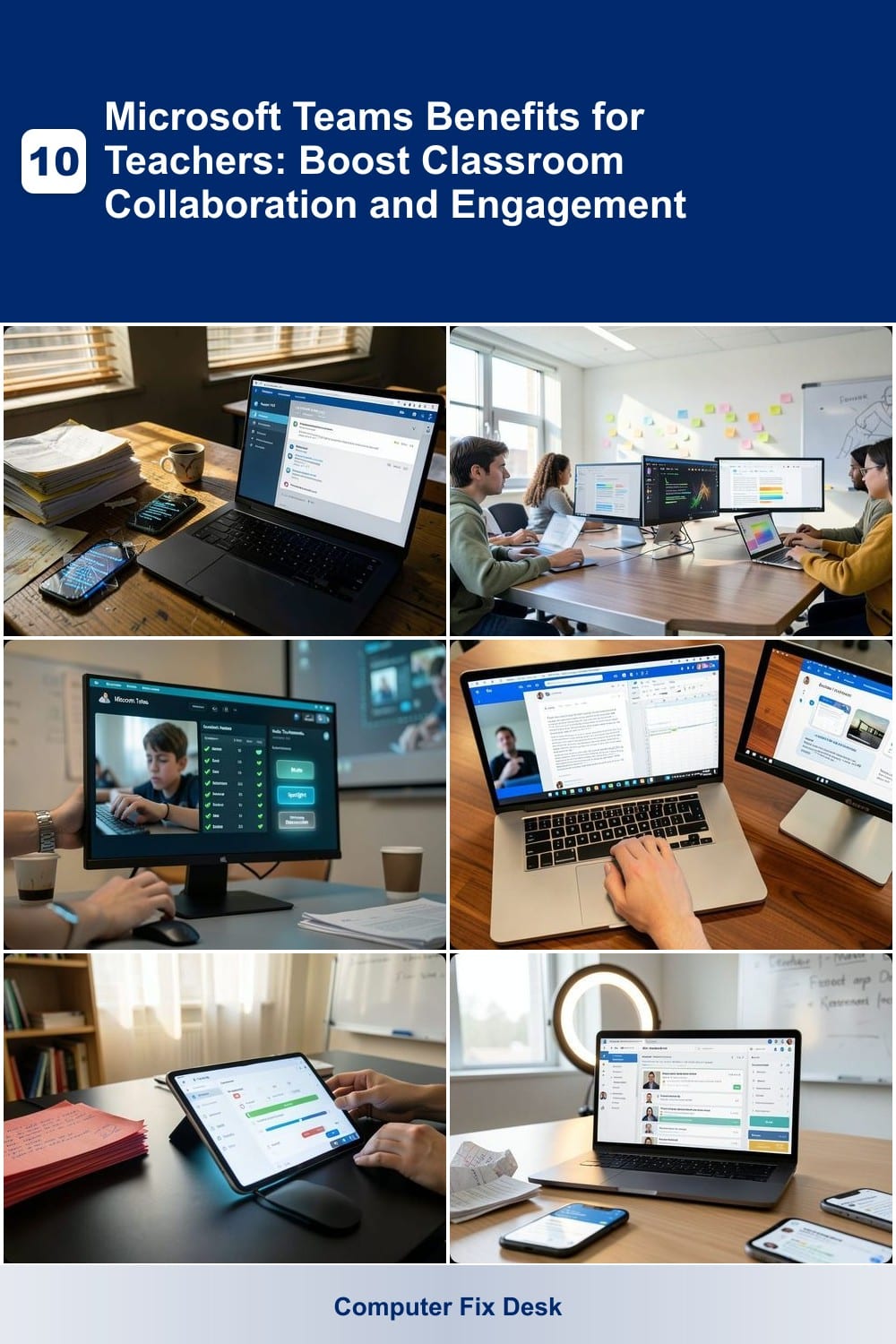
10 Microsoft Teams Benefits for Teachers: Boost Classroom Collaboration and Engagement Instantly
November 6, 2026 by Clifford Thibodeaux
10 Microsoft Teams Benefits for Teachers: Boost Classroom Collaboration and Engagement Instantly

Microsoft Teams isn’t just for businesses—it’s a game-changer for teachers looking to streamline communication, boost student engagement, and simplify classroom management. These 10 benefits prove why educators worldwide…

Read more

Categories Software

Best Way To Take Notes On Computer: Keyboard Shortcuts That Boost Productivity

November 6, 2026 by Clifford Thibodeaux
Best Way To Take Notes On Computer: Keyboard Shortcuts That Boost Productivity

The best way to take notes on your computer isn’t just about picking an app—it’s about finding the right shortcuts and workflow that keep your fingers moving faster than your thoughts. ⚡ I’ve tested everything from…

Read more

Categories Tip & Trick

Call a Phone Number From Computer: VoIP Integration for Clear Calls

November 6, 2026 by Clifford Thibodeaux
Call a Phone Number From Computer: VoIP Integration for Clear Calls

Calling a phone number from your computer used to sound like sci-fi, but today it’s as simple as opening an app. ✨ I’ve made hundreds of calls this way—from my uncle’s basement workshop in ’98 to my current setup—and the…

Read more

Categories Operating System

Can You Text From Your Computer: 5 Methods That Actually Work Right Away

November 6, 2026 by Clifford Thibodeaux
Can You Text From Your Computer: 5 Methods That Actually Work Right Away

💥 Quick Answer You can text from your computer using built-in apps like Windows Mail (for Windows 10/11) or Messages (Mac), or third-party tools like Skype, WhatsApp Web, or Google Voice. These methods sync with your…

Read more

Categories Tip & Trick

Cannot Start Service on Computer: Quick Fix for Windows System Errors

November 6, 2026 by Clifford Thibodeaux
Cannot Start Service on Computer: Quick Fix for Windows System Errors

My computer just hit a wall when I tried to start a service— "Cannot start service on computer" glared back at me in Command Prompt. ⚡ That error message usually means something’s blocking the service, whether it’s a…

Read more

Categories Troubleshooting

Check Your Email From Another Computer: Instant Access Without Password Hassles

November 6, 2026 by Clifford Thibodeaux
Check Your Email From Another Computer: Instant Access Without Password Hassles

Checking my email from another computer used to mean fumbling with passwords and hoping I remembered the right one—until I discovered how to set up instant access that works across any device. ✨ The key is using your…

Read more

Categories Tip & Trick

Computer Crash Blue Screen Windows 7: Safe Recovery Without Data Loss

November 6, 2026 by Clifford Thibodeaux
Computer Crash Blue Screen Windows 7: Safe Recovery Without Data Loss

That computer crash with the dreaded blue screen in Windows 7 isn’t just annoying—it’s a wake-up call from your system. ⚡ I’ve fixed dozens of these crashes, and the key is acting fast before panic sets in. Most BSODs in…

Read more

Categories Windows

Computer Power Log Download Windows 7: Where to Find Official Microsoft Archives

November 6, 2026 by Clifford Thibodeaux
Computer Power Log Download Windows 7: Where to Find Official Microsoft Archives

To troubleshoot your computer’s sleep, hibernate, or battery problems safely, start with the power log download for Windows 7 straight from Microsoft’s official archives. Picture this: your laptop shuts down mid-work, or…

Read more

Categories Windows

Configuring Your Computer for Information Rights Management: Policy-Based Security for Sensitive Files

November 6, 2026 by Clifford Thibodeaux
Configuring Your Computer for Information Rights Management: Policy-Based Security for Sensitive Files

Configuring your computer for information rights management gives you granular control over who accesses your files—even after they’re shared. Imagine sending a confidential contract to a client, only to realize later…

Read more

Categories Software

Do I Need Cortana on My Computer: 4 Reasons You Might Remove It

November 6, 2026 by Clifford Thibodeaux
Do I Need Cortana on My Computer: 4 Reasons You Might Remove It

💥 Quick Answer You don’t need Cortana on your computer unless you rely on its voice assistant features, smart replies, or integration with Microsoft services like Outlook or OneDrive. Most users can disable it without…

Read more

Categories Tip & Trick
Page1Page2Page3Page4Page5Page6…Page13Next →

About Me

Clifford Thibodeaux

Clifford Thibodeaux
My first computer was a clunky desktop with a 56K modem that took forever to load a single webpage. That machine became my gateway to a world where I could fix problems, learn new things, and turn frustration into curiosity. Now, I run this site to make tech less intimidating—whether it’s troubleshooting a stubborn PC, mastering an operating system, or just figuring out why your printer won’t stop jamming. If I can help someone avoid pulling their hair out over a tech headache, I’ve done my job.

Learn more

Recent Posts

  • Windows Surface Pro Keyboard Not Working: Quick Fixes for Instant Functionality
    Windows Surface Pro Keyboard Not Working: Quick Fixes for Instant Functionality
  • Laptop Mouse Not Working: Driver Update Checklist for Instant Fixes
    Laptop Mouse Not Working: Driver Update Checklist for Instant Fixes
  • USB Ports Not Working Windows 10: One-Click Fixes for Instant Functionality
    USB Ports Not Working Windows 10: One-Click Fixes for Instant Functionality
  • My Authenticator App Is Not Working: Step-by-Step Fixes for Common Errors
    My Authenticator App Is Not Working: Step-by-Step Fixes for Common Errors
  • How to Get Your Computer to Read to You Windows 10: Enable Narrator in 3 Clicks
    How to Get Your Computer to Read to You Windows 10: Enable Narrator in 3 Clicks
  • All Guides
  • About
  • Contact
  • Privacy Policy
  • Cookie Policy
  • Terms of Use
© 2026 computerfixdesk.com