Skip to content
Computer Fix Desk

Computer Fix Desk

  • All Articles
  • App
  • Coding
  • Hardware
  • More
    • Operating System
    • Outlook
    • PowerPoint
    • Software
    • Tip & Trick
    • Troubleshooting
    • Windows

All Recipes — Page 8

Make a Phone Call From Computer: Quick Voice Call Setup in Minutes
October 12, 2026 by Clifford Thibodeaux
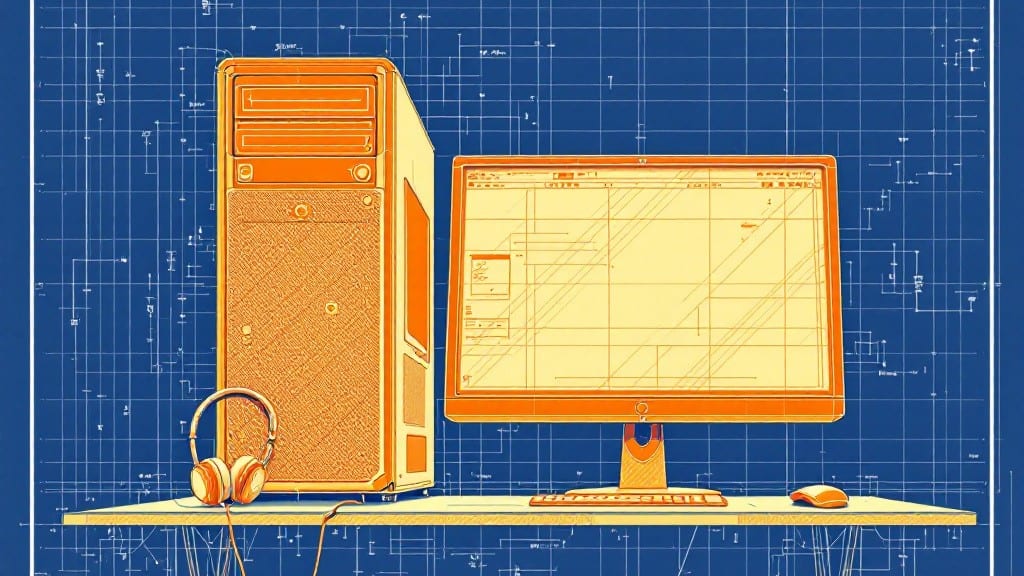
Make a Phone Call From Computer: Quick Voice Call Setup in Minutes

Making a phone call from my computer saved me from dropping my phone in the shower—again. ✨ The setup takes less than 10 minutes and works across Windows, macOS, and Linux using free tools like WhatsApp Web or Google…

Read more

Categories Operating System

10 New Features of SQL Server 2012: Game-Changing Tools Developers Must Master

October 12, 2026 by Clifford Thibodeaux
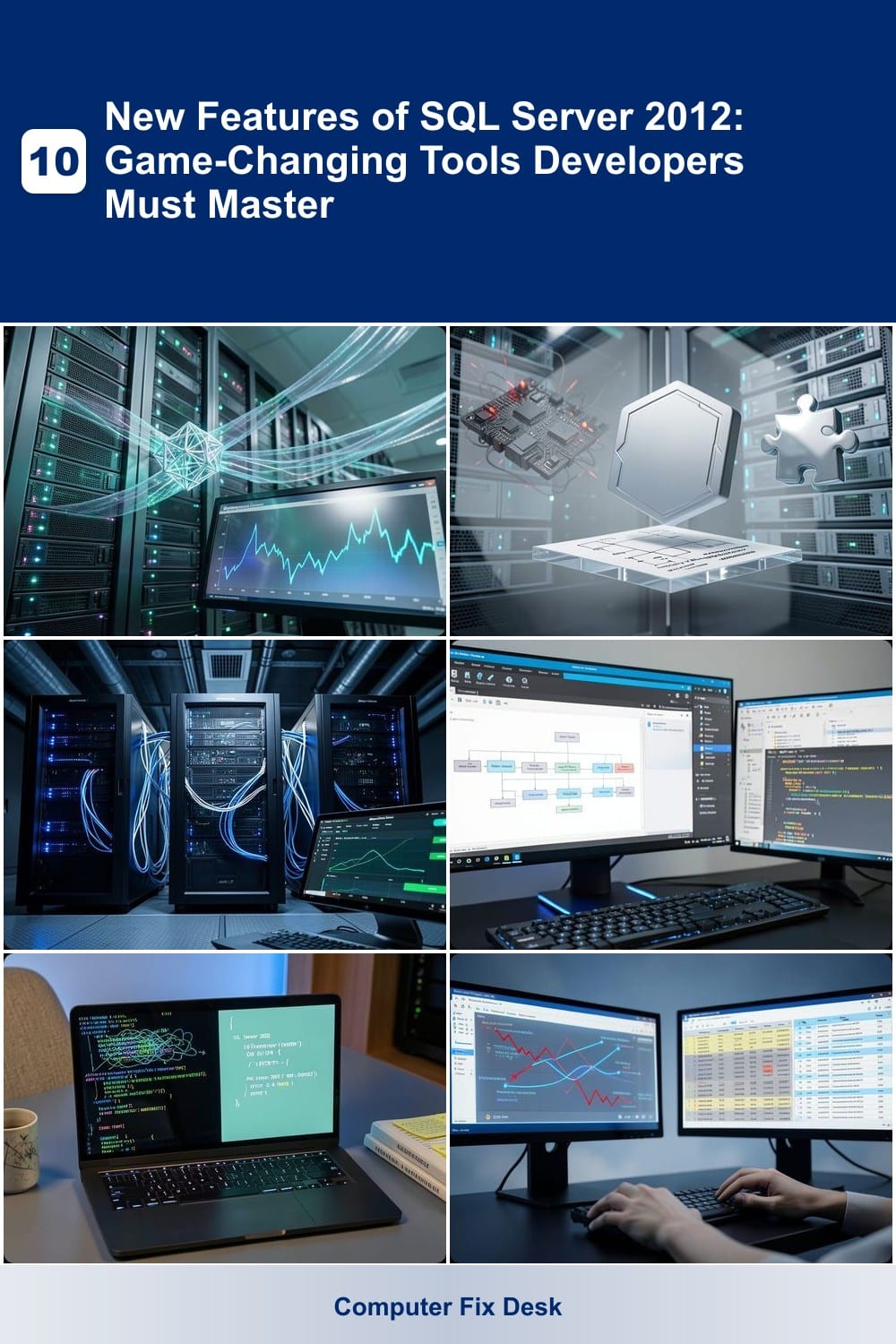
10 New Features of SQL Server 2012: Game-Changing Tools Developers Must Master

SQL Server 2012 introduced groundbreaking features that transformed database management. Developers and administrators now have powerful tools for performance, security, and cloud integration—here are the 10 most…

Read more

Categories Coding

QuickBooks Desktop Unable To Send Emails To Outlook: SMTP Server Fix in 3 Steps

October 12, 2026 by Clifford Thibodeaux
QuickBooks Desktop Unable To Send Emails To Outlook: SMTP Server Fix in 3 Steps

When QuickBooks Desktop is unable to send emails to Outlook , you’re not alone—this frustrating glitch turns invoicing into a tech nightmare, and the fix is usually simpler than you’d think. SMTP setting or a stubborn…

Read more

Categories Outlook

Refreshed Computer and Lost Microsoft Office: Quick Recovery Without Reinstallation

October 12, 2026 by Clifford Thibodeaux
Refreshed Computer and Lost Microsoft Office: Quick Recovery Without Reinstallation

Refreshed your computer and lost Microsoft Office? ⚡ It happens more than you’d think—Windows resets or clean installs often wipe preinstalled apps, leaving you staring at a blank desktop. The good news? You can recover…

Read more

Categories Troubleshooting

Turn On Do Not Disturb in Outlook Desktop: Instant Focus Without Missing Alerts

October 12, 2026 by Clifford Thibodeaux
Turn On Do Not Disturb in Outlook Desktop: Instant Focus Without Missing Alerts

To turn on Do Not Disturb in Outlook desktop , you’ll silence every notification in seconds—no more email interruptions during deep work. ✨ The mode is hidden behind a few clicks, but once you find it, you’ll wonder how…

Read more

Categories Outlook

What Does "Cast" Mean on a Computer: Data Type Conversion Explained Simply

October 12, 2026 by Clifford Thibodeaux
What Does "Cast" Mean on a Computer: Data Type Conversion Explained Simply

What does cast mean on a computer? It’s the process of converting data types—like turning an integer into a decimal—so your code runs without errors. This manual conversion often requires explicit coding commands to…

Read more

Categories Operating System

What Does It Mean to Restore a Computer: Key Processes and Data Recovery Risks

October 12, 2026 by Clifford Thibodeaux
What Does It Mean to Restore a Computer: Key Processes and Data Recovery Risks

💥 Quick Answer Restoring a computer means returning it to a previous working state or wiping it clean to factory settings to eliminate errors, malware, or performance issues. This process typically erases all data…

Read more

Categories Operating System

Factory Reset Android Phone From Computer: One-Click Wipe Without Screen Access

October 10, 2026 by Clifford Thibodeaux
Factory Reset Android Phone From Computer: One-Click Wipe Without Screen Access

My Android phone got locked out by a stubborn pattern lock, and the screen was cracked beyond repair—until I discovered how to factory reset it from my computer. ✨ This method bypasses the need to touch the phone at all…

Read more

Categories Troubleshooting

How to Collaborate on PowerPoint: Real-Time Co-Editing Made Simple

October 10, 2026 by Clifford Thibodeaux
How to Collaborate on PowerPoint: Real-Time Co-Editing Made Simple

Collaborating on a PowerPoint presentation used to mean emailing files back and forth—now it’s seamless with real-time co-editing. ✨ I’ve seen teams cut presentation prep time by 60% just by using these built-in tools…

Read more

Categories PowerPoint

How to Connect Keyboard to Computer: Wired and Wireless Setup in Minutes

October 10, 2026 by Clifford Thibodeaux
How to Connect Keyboard to Computer: Wired and Wireless Setup in Minutes

Connecting a keyboard to your computer should take less than five minutes—unless you're dealing with one of those ancient PS/2 connectors that still haunt my uncle’s basement. 💻 I’ve wired up everything from modern…

Read more

Categories Hardware
Page1…Page6Page7Page8Page9Page10…Page13Next →

About Me

Clifford Thibodeaux

Clifford Thibodeaux
My first computer was a clunky desktop with a 56K modem that took forever to load a single webpage. That machine became my gateway to a world where I could fix problems, learn new things, and turn frustration into curiosity. Now, I run this site to make tech less intimidating—whether it’s troubleshooting a stubborn PC, mastering an operating system, or just figuring out why your printer won’t stop jamming. If I can help someone avoid pulling their hair out over a tech headache, I’ve done my job.

Learn more

Recent Posts

  • Windows Surface Pro Keyboard Not Working: Quick Fixes for Instant Functionality
    Windows Surface Pro Keyboard Not Working: Quick Fixes for Instant Functionality
  • Laptop Mouse Not Working: Driver Update Checklist for Instant Fixes
    Laptop Mouse Not Working: Driver Update Checklist for Instant Fixes
  • USB Ports Not Working Windows 10: One-Click Fixes for Instant Functionality
    USB Ports Not Working Windows 10: One-Click Fixes for Instant Functionality
  • My Authenticator App Is Not Working: Step-by-Step Fixes for Common Errors
    My Authenticator App Is Not Working: Step-by-Step Fixes for Common Errors
  • How to Get Your Computer to Read to You Windows 10: Enable Narrator in 3 Clicks
    How to Get Your Computer to Read to You Windows 10: Enable Narrator in 3 Clicks
  • All Guides
  • About
  • Contact
  • Privacy Policy
  • Cookie Policy
  • Terms of Use
© 2026 computerfixdesk.com