
Coding
SQL Server 2012 introduced groundbreaking features that transformed database management. Developers and administrators now have powerful tools for performance, security, and cloud integration—here are the 10 most impactful upgrades you can’t afford to miss.
Columnstore Index for Massive Data Compression

If your analytical queries are drowning in massive datasets, SQL Server 2012’s Columnstore Index could be your lifeline. This game-changing feature doesn’t just shrink your data—it compresses it up to 10x while making queries lightning-fast, a game-changer for data warehouses and reporting systems.
Designed for read-heavy workloads, Columnstore Index stores data vertically (column-wise) instead of horizontally, drastically reducing storage footprint and accelerating aggregations. It’s optimized for OLAP (Online Analytical Processing), where scanning entire tables is common—think financial reports or customer analytics. The best part? You can create clustered or non-clustered columnstore indexes, and SQL Server handles the compression automatically.
This feature is a must for data analysts, BI developers, and DBA teams managing large-scale reporting. If your queries are slow due to massive datasets, Columnstore Index could cut processing time by 90% or more. ⚡
Contained Databases for Simplified Deployment

Tired of deployment headaches tied to a single master database? Contained databases in SQL Server 2012 break that dependency, letting you move entire databases between environments without server-level permissions or logins.
This feature supports user-defined schemas and contained authentication, meaning credentials and metadata stay with the database itself. No more manual script updates when migrating from dev to staging—just detach and reattach. It also works with SQL Server Data Tools for seamless integration into CI/CD pipelines.
Perfect for developers running isolated test environments or teams managing multi-tenant applications, contained databases cut migration time by 80% while improving security. ✨
AlwaysOn Availability Groups for High Availability

Tired of unplanned downtime crippling your mission-critical applications? AlwaysOn Availability Groups in SQL Server 2012 delivers enterprise-grade reliability by synchronizing data across multiple servers in real time—no more single points of failure.
This feature supports both synchronous and asynchronous replication, ensuring high availability with minimal latency. You can configure up to eight secondary replicas for read-scale workloads, while automatic failover keeps your systems running even during hardware failures. The zero-configuration setup for basic scenarios makes it accessible for DBAs of all experience levels.
Perfect for financial systems, e-commerce platforms, or any application where uptime directly impacts revenue. With 99.999% availability as a realistic target, this is the tool that turns "what if" scenarios into "what if not" confidence. ✨
SQL Server Data Tools for Unified Development
Tired of juggling separate tools for database development and version control? SQL Server Data Tools (SSDT) bridges that gap by embedding directly into Visual Studio, giving you a single environment for designing, deploying, and managing databases.
With database project templates, you can create schema, scripts, and data tiers—then push them to source control like any other code. The integration with Team Foundation Server (TFS) or Git enables seamless CI/CD pipelines, so your database changes deploy just as smoothly as your application code. Plus, the schema comparison tools catch drift between environments before it becomes a headache.
This is the tool DevOps teams and database developers need to standardize workflows and eliminate manual deployment errors. 💻
Window Functions for Advanced Analytics

Tired of writing convoluted self-joins just to calculate running totals or rankings? SQL Server 2012’s window functions with the OVER() clause simplify complex analytics into elegant, readable queries—no temporary tables required.
This feature introduces PARTITION BY, ROWS/RANGE, and ORDER BY clauses to perform aggregations (like SUM, AVG, RANK) across result sets while preserving individual rows. For example, calculate a moving average of stock prices or assign percentile rankings to test scores without altering your original dataset. The syntax is intuitive: SELECT RANK() OVER(PARTITION BY department ORDER BY salary DESC) FROM employees.
Data scientists and financial analysts will love how this eliminates performance bottlenecks in OLAP queries, while developers gain cleaner code for reporting tools. Perfect for anyone crunching numbers beyond basic GROUP BY. ✨
SQL Server Data Quality Services

Tired of spending hours manually cleaning up inconsistent customer data or merging duplicate records? SQL Server Data Quality Services (DQS) automates the tedious work with built-in cleansing and matching tools—right inside your SQL Server environment.
This feature lets you profile data for errors, apply standardized rules, and even match records across datasets with 90%+ accuracy using fuzzy logic. The real game-changer? Seamless integration with Excel (import/export workflows) and Master Data Services (MDS) for centralized governance. Whether it’s fixing typos in customer names or resolving product ID mismatches, DQS handles it—without writing custom scripts.
Perfect for data stewards, BI teams, and enterprises consolidating disparate systems. Say goodbye to spreadsheet-based fixes and hello to automated, auditable data quality. ✨
Contained User Authentication for Security
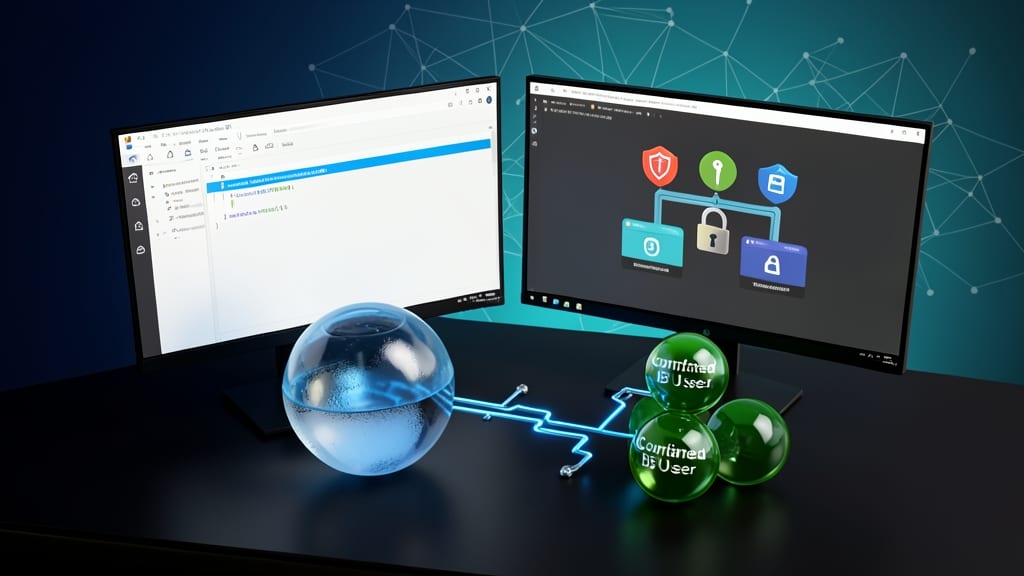
Tired of juggling server-level credentials for every multi-tenant application? Contained User Authentication in SQL Server 2012 lets you manage database logins independently—no more relying on the master database for authentication.
This feature introduces contained database users, which are scoped to individual databases rather than the server. You can now create logins directly within a database, assign permissions granularly, and even move databases between servers without breaking authentication. The zero-config approach for multi-tenant SaaS applications means admins spend less time managing credentials and more time optimizing performance.
Perfect for ISVs, cloud providers, and SaaS developers, this reduces administrative overhead while enhancing security by isolating authentication scopes. Your multi-tenant apps will thank you. ✨
Power View for Interactive Data Visualization

Tired of waiting for IT to generate reports? Power View lets business users create stunning, interactive dashboards directly in SharePoint—no SQL skills required. This self-service BI tool transforms raw data into dynamic visualizations with drag-and-drop simplicity, perfect for executives who need real-time insights.
With support for 3D charts, maps, and matrix visualizations, Power View turns complex datasets into intuitive stories. It integrates seamlessly with Excel and SQL Server Analysis Services, while its touch-friendly interface makes exploration effortless. The best part? You can publish reports directly to SharePoint for team-wide access.
Ideal for marketing teams, finance departments, or anyone who needs to slice data without IT bottlenecks. ⚡
SQL Server Utility for Performance Monitoring
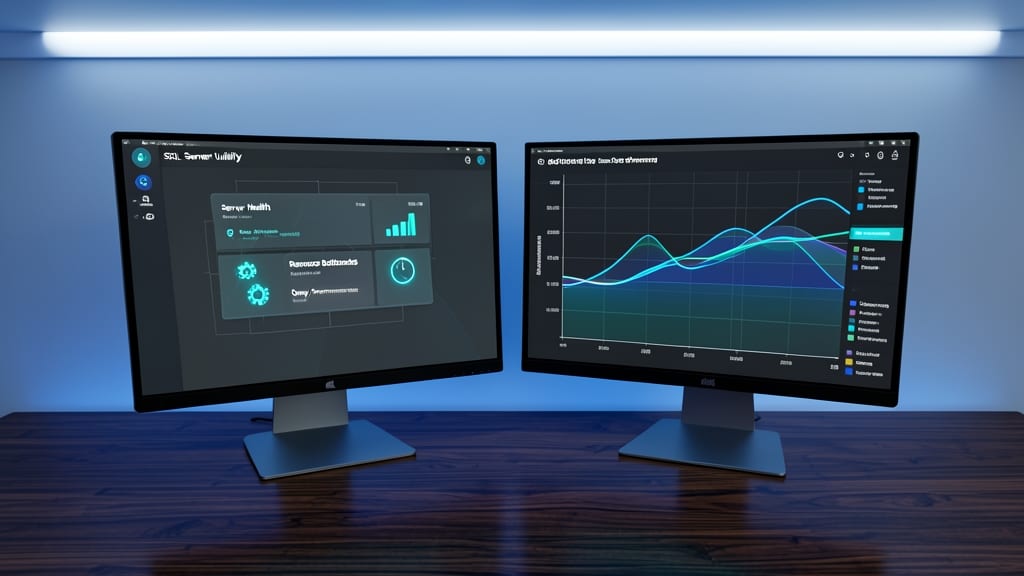
Tired of reactive troubleshooting when server slowdowns strike? SQL Server Utility in SQL Server 2012 introduces a centralized monitoring dashboard that proactively tracks server health, resource bottlenecks, and query performance—all in one place.
This tool provides real-time metrics for CPU, memory, and disk usage, along with query performance insights to identify slow-running queries. It also includes automated health checks and alerting for critical issues, reducing downtime. The Management Data Warehouse feature stores historical performance data for trend analysis, making it easier to spot patterns before they become problems.
Perfect for DBAs managing large-scale environments, this utility eliminates the guesswork in performance tuning. Whether you're optimizing a data warehouse or ensuring high availability, it’s the battle-tested setup you need. ⚡
FileTable for Hybrid File and SQL Storage
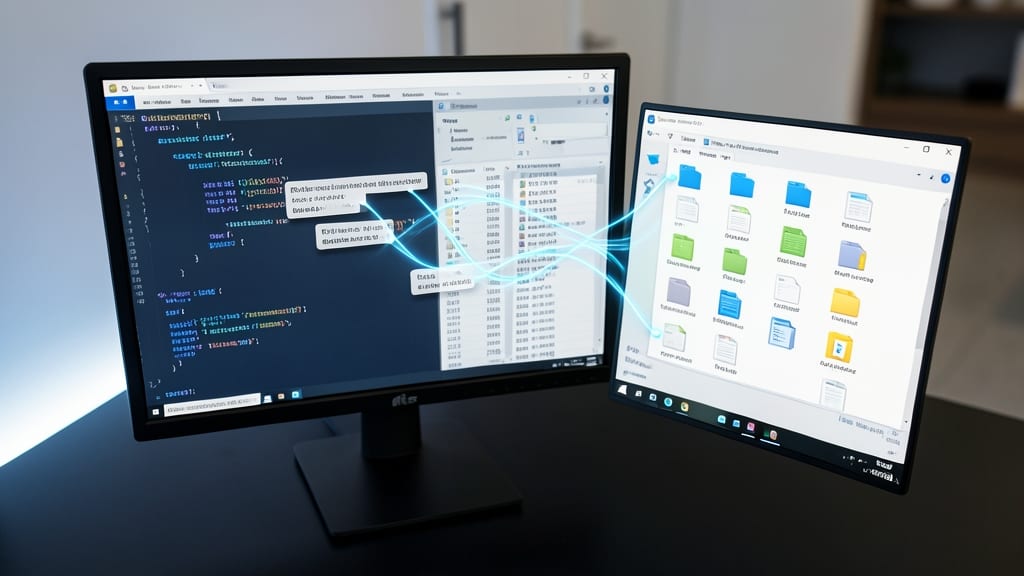
Tired of juggling file storage and relational databases separately? FileTable bridges that gap by treating files as rows in a SQL table while preserving Windows file system features—no more fragmented storage management.
With FileTable, you get native support for NTFS permissions, file metadata, and Windows Explorer integration, all while storing files directly in SQL Server. The FILESTREAM technology under the hood ensures large files (like documents or media) stream efficiently without bloating your database. Plus, you can query file properties using standard SQL—think filtering documents by creation date or size.
This feature is a game-changer for document management systems, legal archives, or any app needing to tie file storage to relational data. Developers building hybrid workflows will love the simplicity. ✨