My first computer was a clunky desktop with a 56K modem that took forever to load a single webpage. That machine became my gateway to a world where I could fix problems, learn new things, and turn frustration into curiosity. Now, I run this site to make tech less intimidating—whether it’s troubleshooting a stubborn PC, mastering an operating system, or just figuring out why your printer won’t stop jamming. If I can help someone avoid pulling their hair out over a tech headache, I’ve done my job.
Checking my email from another computer used to mean fumbling with passwords and hoping I remembered the right one—until I discovered how to set up instant access that works across any device. ✨ The key is using your…
That computer crash with the dreaded blue screen in Windows 7 isn’t just annoying—it’s a wake-up call from your system. ⚡ I’ve fixed dozens of these crashes, and the key is acting fast before panic sets in. Most BSODs in…
To troubleshoot your computer’s sleep, hibernate, or battery problems safely, start with the power log download for Windows 7 straight from Microsoft’s official archives. Picture this: your laptop shuts down mid-work, or…
Configuring your computer for information rights management gives you granular control over who accesses your files—even after they’re shared. Imagine sending a confidential contract to a client, only to realize later…
💥 Quick Answer You don’t need Cortana on your computer unless you rely on its voice assistant features, smart replies, or integration with Microsoft services like Outlook or OneDrive. Most users can disable it without…
💥 Quick Answer Yes, OneDrive files stored locally on your computer take up space when synced to the 'Files On-Drive' folder, but files saved only to OneDrive’s cloud or marked 'Online Only' won’t occupy your hard drive…
Wondering does my computer have a camera ? Look for a webcam icon in Windows Device Manager or Camera settings—it’s usually labeled ‘Integrated Camera’ or ‘Webcam.’ Most laptops come with one built-in, while desktops…
To download the Capital IQ Excel plug-in, start at the S&P Capital IQ portal where the official installer awaits—no third-party sites needed. Struggling to access Capital IQ’s powerful financial data directly in Excel…
Downloading pics from your camera to your computer doesn’t need to be a guessing game—my method works for any device, from DSLRs to smartphones, in under five minutes. 💻 I’ve used this exact approach for years, whether…
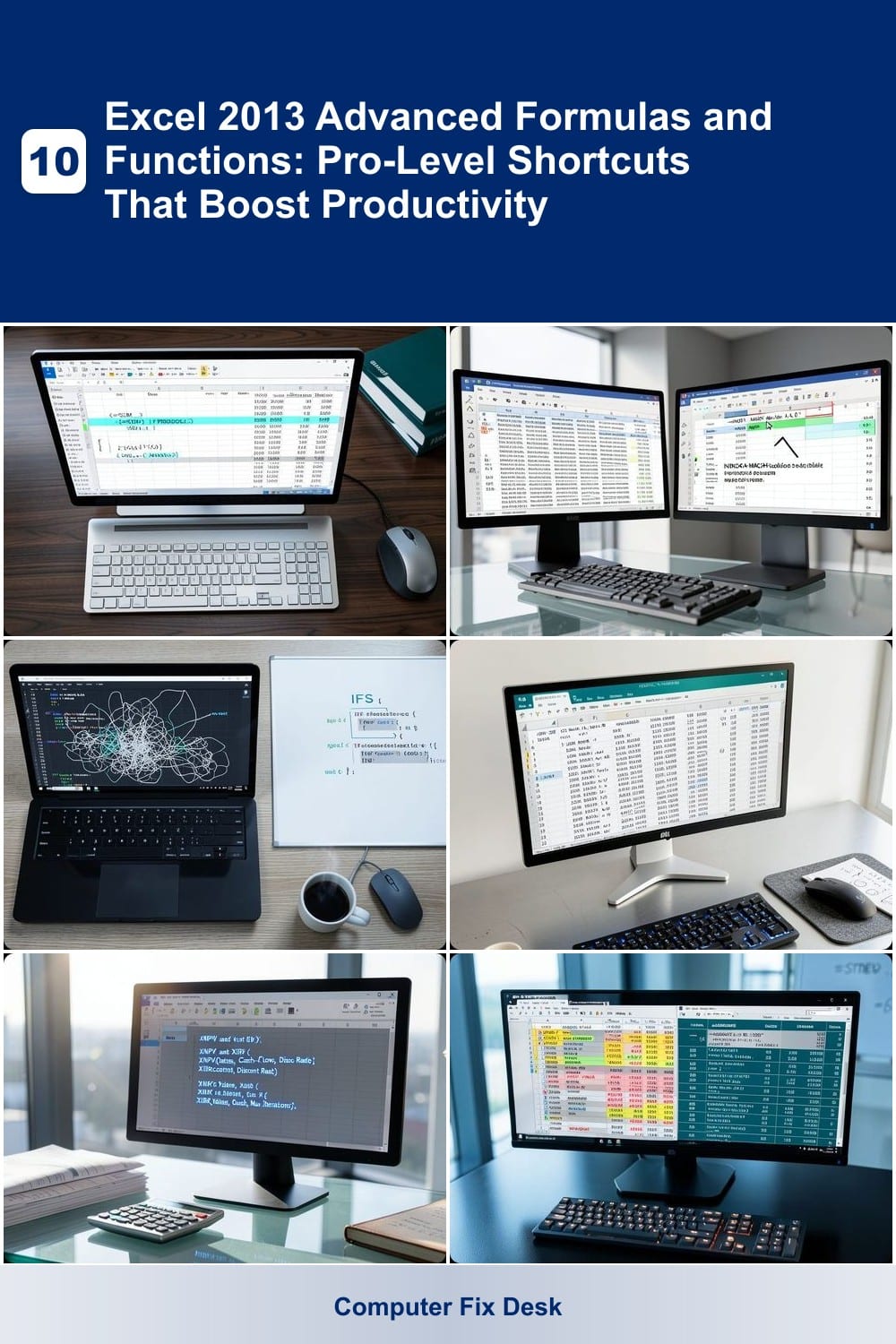
Excel 2013 remains a powerhouse for data analysis, yet many users overlook its most powerful formulas. These 10 advanced functions will transform how you manipulate data, automate tasks, and uncover insights—without…