
Software
Microsoft SQL Server Management Studio (SSMS) has evolved significantly across versions, each introducing new tools and compatibility improvements. This comparison highlights the key features and limitations of the 10 most critical SSMS releases for database administrators and developers.
SQL Server Management Studio 18.0
If you're managing Azure SQL Database or SQL Server 2019, SSMS 18.0 is the go-to tool for seamless cloud-native database operations. This release bridges on-premises and cloud environments with deep Azure integration, including direct query execution and schema comparison tools for Azure SQL.
The update introduces SQL Server 2019 compatibility, unlocking features like intelligent query processing and polybase enhancements for big data workloads. You’ll also find improved query performance insights and a refreshed interface with dark mode support, reducing eye strain during long debugging sessions.
This version is perfect for cloud-first teams migrating workloads or maintaining hybrid environments. Its streamlined Azure workflows make it the ideal choice for modern database administrators. ✨
SQL Server Management Studio 17.9

If you're managing a mix of legacy SQL Server 2016 environments while planning an eventual upgrade, SSMS 17.9 is your bridge version. Released as the final iteration before SSMS 18.0, it uniquely maintains full backward compatibility with SQL Server 2016—including critical features like Always Encrypted and Stretch Database—while introducing subtle improvements that ease migration paths.
The version stands out for its dedicated SQL Server 2016 compatibility mode, ensuring seamless administration of older instances without requiring separate tools. It also includes enhanced query performance insights for troubleshooting and a refined object explorer that reduces UI clutter. For enterprises, this version acts as a safety net, letting you test new workflows while keeping legacy systems stable.
Ideal for IT teams in regulated industries or small businesses with mixed SQL Server deployments, SSMS 17.9 is the last stop before modernizing. Its balanced approach makes it a hidden gem for those stuck between old and new systems. 💻
SQL Server Management Studio 17.8

If you're a data scientist bridging Python/R with SQL Server, SSMS 17.8 is the version that finally brought IntelliSense to your workflow. This release introduced context-aware code completion for Python and R scripts directly within SSMS, eliminating the need to switch between tools during analysis.
The upgrade added variable explorer integration and debugging tools for Python scripts, while maintaining full compatibility with SQL Server 2017. For R users, it included package management and visualization support through the built-in R console. These features transformed SSMS from a database tool into a true data science environment.
Perfect for teams working with hybrid SQL/Python workflows, this version bridges the gap between traditional database management and modern data science. ⚡
SQL Server Management Studio 17.7
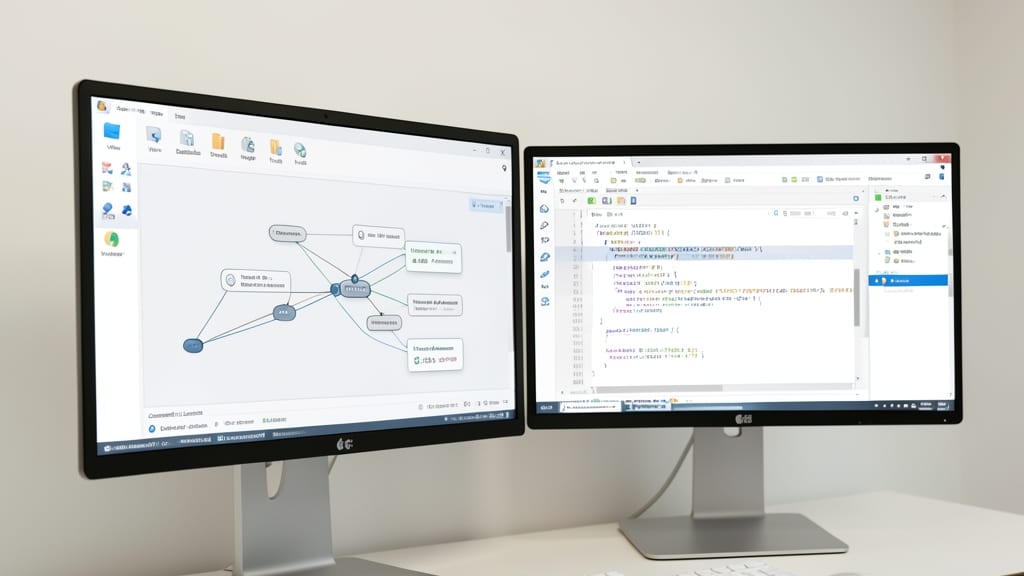
If your applications rely on complex relationships—like social networks, fraud detection, or recommendation engines—SSMS 17.7 was the game-changer you needed. This version introduced native support for SQL Server 2017's Graph Database features, allowing you to model hierarchical data visually and query it with T-SQL.
The standout feature is the graph visualization tool, which lets you map nodes and edges in real time, making it easier to spot patterns or anomalies. You can also use the new SHORTESTPATH() and STRONGLYCONNECTED_COMPONENTS() functions to analyze connections without writing custom algorithms. Performance optimizations ensure these operations run efficiently even with millions of relationships.
Developers building modern applications with relational + graph data (think IoT networks or knowledge graphs) found SSMS 17.7 indispensable. It bridged the gap between traditional SQL and graph-based workflows, all within a familiar interface. ✨
SQL Server Management Studio 17.4
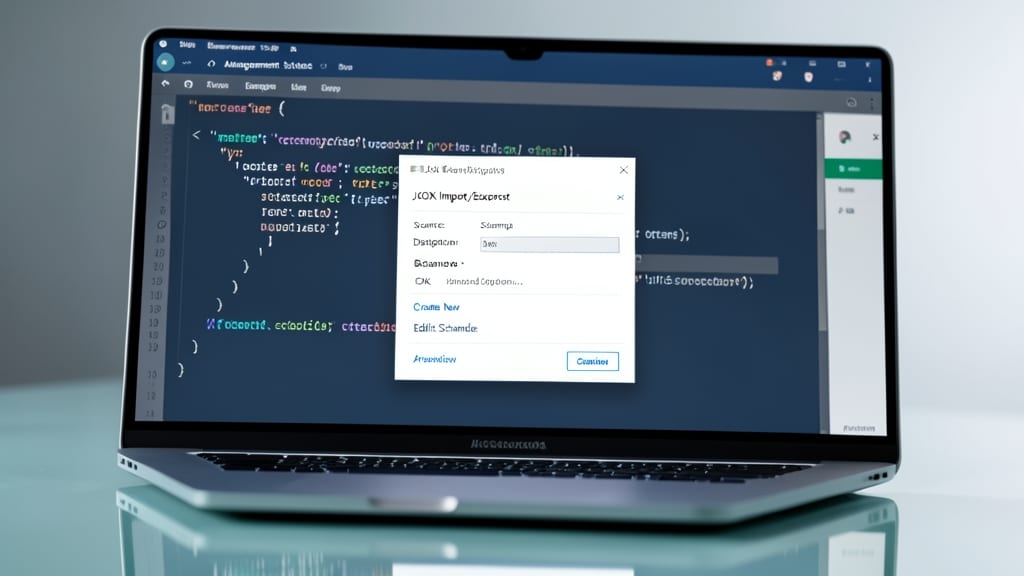
If you're migrating sensitive data while maintaining strict compliance, SQL Server Management Studio 17.4 delivers the tools you need without the complexity. This release introduced native JSON import/export capabilities, letting you seamlessly move unstructured data between SQL Server and modern applications without manual parsing.
The Always Encrypted improvements here are game-changers—column-level encryption now supports JSON data types, ensuring end-to-end protection even during migrations. You also get enhanced query performance for encrypted columns, with Microsoft adding optimizations specifically for Always Encrypted workloads. The built-in data masking tools make it easier to comply with GDPR or HIPAA during testing phases.
This version is ideal for finance, healthcare, or government teams handling sensitive JSON-based APIs while transitioning to newer SQL Server versions. It bridges the gap between legacy systems and modern data formats without sacrificing security. ✨
SQL Server Management Studio 17.2

If you're a database administrator tired of jumping between tools to automate repetitive tasks, SQL Server Management Studio 17.2 might just be your game-changer. This version introduced native PowerShell scripting support directly within SSMS, eliminating the need for external editors or manual script imports.
The integration includes a dedicated PowerShell script editor with syntax highlighting, command suggestions, and execution results pane—all while maintaining full access to your database connections. You can now deploy scripts, manage jobs, and even query databases using PowerShell cmdlets without leaving SSMS. This was particularly valuable for admins managing SQL Server 2016-2017 environments, as it streamlined workflows for bulk operations, server maintenance, and cross-platform automation.
This version is ideal for enterprise DBAs and DevOps teams who rely on PowerShell for infrastructure-as-code practices. It bridges the gap between SQL Server management and Windows automation, making it a must-try for those looking to future-proof their workflows. ✨
SQL Server Management Studio 16.5
If you're still running SQL Server 2016 in production, SSMS 16.5 is the last version you’ll need before Microsoft drops official support for this legacy system. This release bridges the gap between older environments and the newer SSMS 17.x series, offering a stable bridge for enterprises transitioning from SQL Server 2012 or earlier.
Key features include full compatibility with SQL Server 2016, including Always Encrypted and Stretch Database tools—critical for security and hybrid cloud storage. The Query Store feature (introduced in SQL Server 2016) is also fully supported here, helping DBAs troubleshoot performance bottlenecks with historical query data. Unlike later versions, SSMS 16.5 avoids introducing breaking changes, making it ideal for teams with strict compliance requirements.
Perfect for legacy system administrators or businesses upgrading from SQL Server 2012/2014, this version ensures smooth migrations without forcing premature adoption of newer tools. ⚡
SQL Server Management Studio 16.1

If you're managing SQL Server 2016 and need to stretch your storage budget without upgrading hardware, SSMS 16.1 is your gateway to hybrid cloud solutions. This release introduced Stretch Database, a game-changer for enterprises dealing with massive datasets where only a fraction needs frequent access.
The feature lets you transparently tier cold data to Azure Blob Storage while keeping hot data on-premises, reducing storage costs by up to 90%. You configure it directly in SSMS with a simple wizard that handles the migration automatically, and all queries remain seamless—your applications won’t even notice the difference. Plus, it works with SQL Server Standard Edition, making it accessible for smaller teams.
Ideal for data warehouses or archival systems, SSMS 16.1’s Stretch Database is perfect for businesses transitioning to cloud storage incrementally. It’s the only version that bridges on-prem and cloud storage natively. ✨
SQL Server Management Studio 13.0
When Microsoft retired SQL Server Management Studio Express, version 13.0 stepped in as the unified replacement—bridging the gap between legacy tools and modern workflows. This was the first release to adopt a consistent ribbon interface across all SQL Server versions, eliminating the fragmented experience of previous editions.
The 13.0 update introduced SQL Server 2012 compatibility as its baseline, while also supporting newer versions up to 2014. Key improvements included a streamlined query editor, enhanced IntelliSense, and template explorer for reusable scripts. Unlike its predecessors, this version dropped the Express branding entirely, setting the foundation for future SSMS iterations.
Database administrators managing SQL Server 2012-2014 environments found this the most stable choice, especially when migrating from older tools. Its Windows 8-inspired UI also felt more intuitive for teams transitioning to modern Microsoft ecosystems. ✨
SQL Server Management Studio 2008 R2

If you're maintaining a SQL Server 2008 R2 environment—yes, they still exist—this is your last resort for a dedicated management tool. Microsoft’s SQL Server Management Studio 2008 R2 remains the only official IDE for this legacy version, packed with the exact tools needed to manage databases that refuse to retire.
Built for Windows XP/7 compatibility, it includes the classic MFC-style UI (no ribbon menus here), full T-SQL debugging, and database diagram tools that were state-of-the-art in 2010. Security patches ended in 2019, but for air-gapped or compliance-locked systems, it’s still the safest option—just isolate it properly.
Perfect for legacy financial systems, government archives, or embedded databases where upgrading isn’t an option. Just don’t expect modern features—this is pure nostalgia with a functional edge. 💻