
Software
Working with dates and times in software development requires precision. These seven standardized formats ensure compatibility across systems, databases, and APIs—critical for developers building reliable applications.
ISO 8601 Date and Time Format
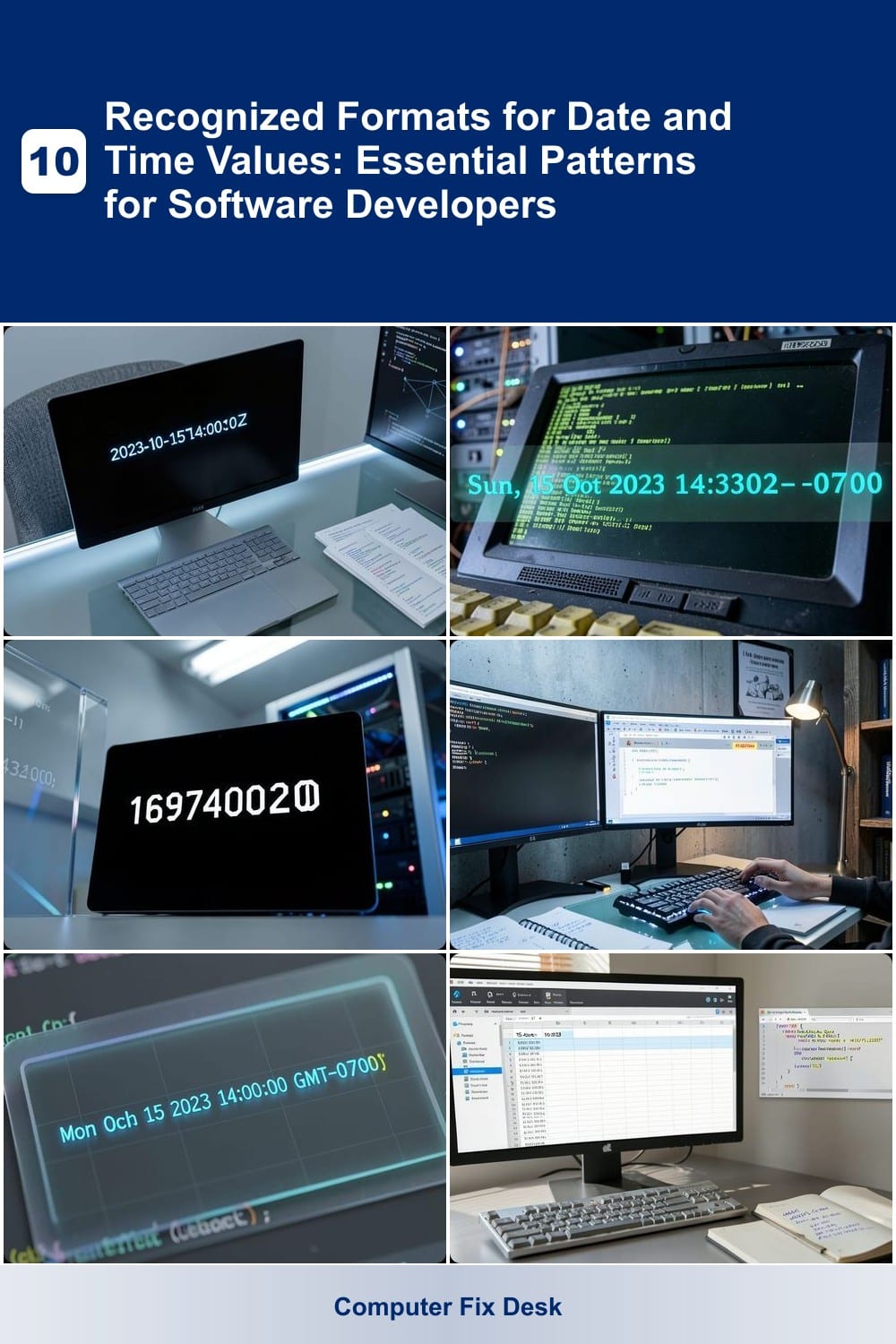
Tired of debugging date inconsistencies across systems? The ISO 8601 format (2023-10-15T14:30:00Z) solves this by providing a universal standard that works seamlessly in Python, JavaScript, APIs, and databases. Its strict structure eliminates ambiguity, ensuring machines and humans parse it correctly every time.
Key features include YYYY-MM-DD ordering (no slash confusion), a 'T' separator for time, and 'Z' for UTC (or timezone offsets like +05:30). Libraries like Moment.js, date-fns, and even Excel support ISO 8601 natively. This makes it ideal for logging, timestamps, and cross-platform data exchange where precision matters.
Developers building APIs or working with international teams should default to ISO 8601—it’s the safest choice for global compatibility and future-proofing. ⚡
RFC 2822 Email-Compatible Date Format
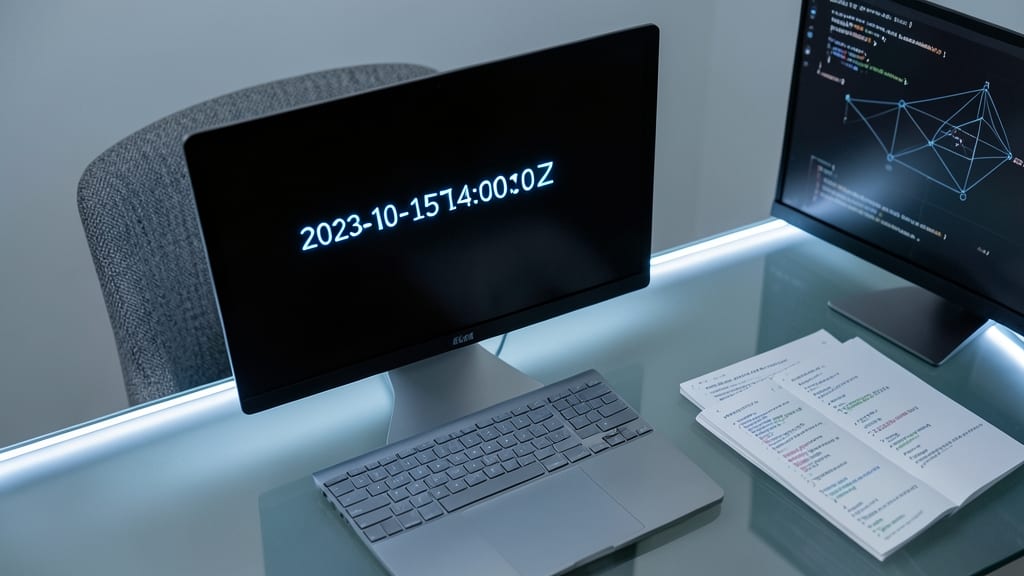
If you’ve ever debugged an email system or parsed headers in SMTP logs, you’ve likely encountered the RFC 2822 format—like Sun, 15 Oct 2023 14:30:00 -0700. This isn’t just another timestamp; it’s the backbone of email protocols, ensuring machines and humans can both read dates consistently across SMTP, IMAP, and APIs.
The format follows a strict structure: day-of-week, date, time, and timezone offset (e.g., -0700). Unlike ISO 8601, it prioritizes readability for humans while remaining machine-parsable. Libraries like Python’s email.utils or PHP’s DateTime handle parsing effortlessly, making it ideal for email validation and metadata processing.
Developers working with legacy systems, email APIs, or compliance-heavy applications (like GDPR logs) rely on RFC 2822 to avoid parsing errors. Its simplicity and ubiquity make it the go-to for any project touching email infrastructure. ✨
Unix Epoch Time (Seconds Since 1970)
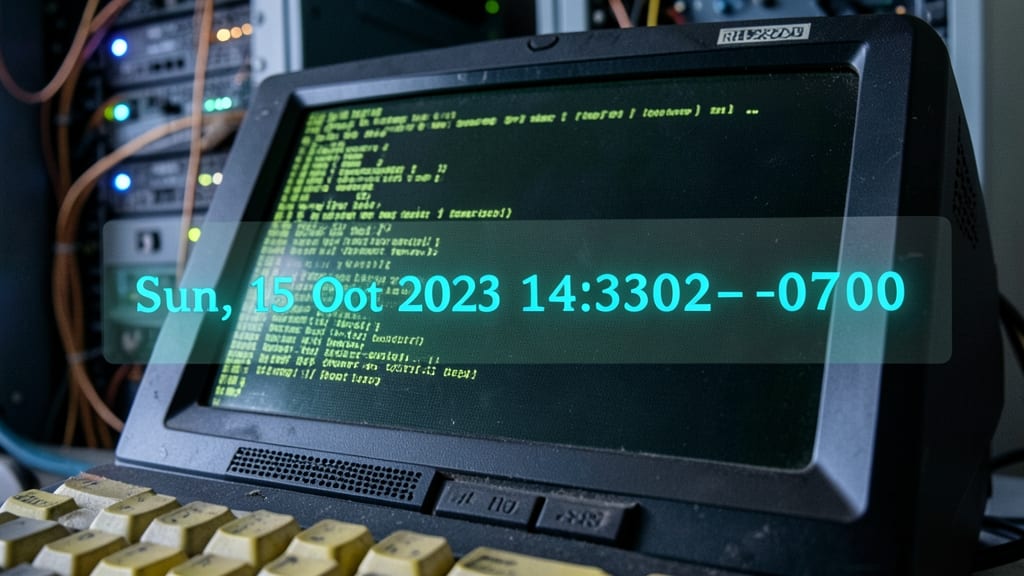
When you need machine-readable precision—especially for logs, APIs, or performance benchmarks—Unix Epoch Time (1697400200) is the go-to choice. Unlike human-friendly formats, this integer-based timestamp (seconds since January 1, 1970) eliminates ambiguity and saves storage space, making it ideal for backend systems.
At its core, Epoch Time is a single 32-bit or 64-bit integer, enabling lightning-fast comparisons and calculations. For example, 1697400200 converts to October 15, 2023, 14:30:00 UTC—perfect for database indexing, cron jobs, or latency tracking. Libraries like Python’s time.time() or JavaScript’s Date.now() handle conversions seamlessly, while databases (e.g., PostgreSQL) often store it natively for efficiency.
This format shines in server-side applications, DevOps monitoring, and scientific computing, where raw performance matters most. For frontend work, though, pair it with ISO 8601 for user-facing displays. ⚡
SQL Date and Time Formats

When writing SQL queries, stored procedures, or ORM mappings, using the wrong date format can break your entire application. Databases like MySQL, PostgreSQL, and SQL Server each have preferred formats—like YYYY-MM-DD HH:MI:SS or DD-MON-YYYY—that ensure seamless parsing and storage.
MySQL defaults to YYYY-MM-DD for dates, while PostgreSQL supports both YYYY-MM-DD and DD-MON-YYYY. SQL Server uses YYYY-MM-DD but excels with TO_CHAR() for custom formats like MM/DD/YYYY. These formats aren’t just about readability—they directly impact query performance and compatibility with ORMs like Entity Framework or Sequelize.
Developers working with legacy systems or multi-database setups will appreciate how these formats bridge gaps between applications. Mastering them prevents "invalid date" errors and keeps your database interactions smooth. ✨
JavaScript Date Object Patterns
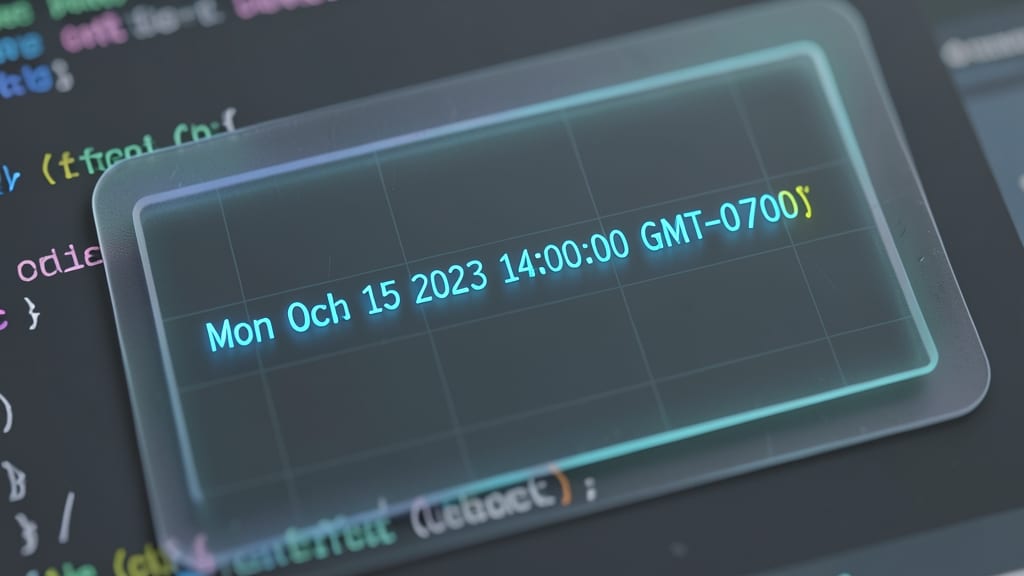
JavaScript’s native Date object format (Mon Oct 15 2023 14:30:00 GMT-0700) bridges the gap between frontend and backend systems, making it a cornerstone for web developers. Unlike other formats, this pattern includes timezone information directly in the string, which helps avoid common pitfalls when syncing data across servers and client-side applications.
The format’s flexibility shines when paired with libraries like Moment.js or modern alternatives like date-fns, which parse and manipulate these timestamps with ease. For example, new Date().toString() generates the familiar output, while methods like toISOString() convert it to ISO 8601 for API consistency. This dual capability ensures your app handles both user-facing displays and backend processing seamlessly.
Perfect for full-stack developers or teams building SPAs, this pattern eliminates timezone headaches and keeps your codebase consistent. 💻
Excel-Compatible Date Formats
If your workflow revolves around Excel macros, Power Query, or VBA scripts, using the right date format isn’t just about aesthetics—it’s about error-free automation. Excel’s native formats like 15-Oct-2023 or MM/DD/YYYY ensure seamless parsing in formulas, conditional logic, and even external integrations.
These formats are hardcoded into Excel’s engine, meaning they’re automatically recognized without extra parsing. For example, DD-MON-YYYY (e.g., 15-OCT-2023) is ideal for regional consistency, while MM/DD/YYYY aligns with U.S. conventions. They also play nicely with Power Query’s date transformations and VBA’s DateSerial functions, reducing debugging headaches.
Perfect for financial analysts, data entry teams, or anyone automating reports—these formats turn messy date strings into clean, actionable data with zero config. ✨
Custom Localization Formats for Global Apps
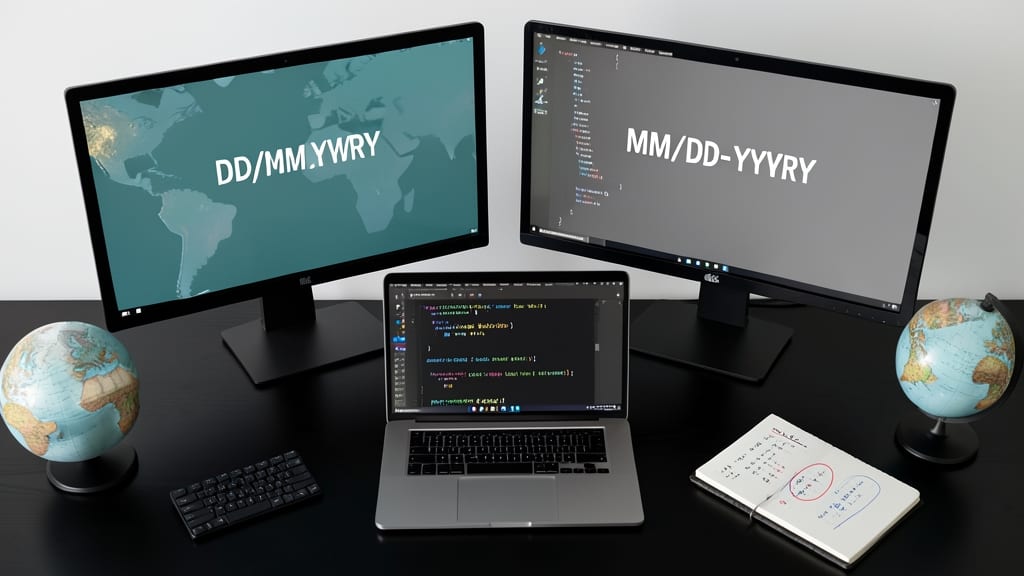
When your app serves users worldwide, hardcoding date formats like MM/DD/YYYY can confuse half the globe. Custom localization formats solve this by dynamically adapting displays—like showing DD/MM/YYYY for European users and MM-DD-YYYY for Americans—without manual overrides.
Libraries like date-fns or the built-in Intl.DateTimeFormat handle the heavy lifting, parsing locale settings automatically. For example, new Intl.DateTimeFormat('en-US').format(date) outputs 10/15/2023, while 'en-GB' yields 15/10/2023. This approach also supports time zones, ensuring users see localized timestamps without backend complexity.
Perfect for SaaS platforms, e-commerce sites, or any app with a global audience—where user trust hinges on familiar date conventions. ✨