
Software
Mastering Microsoft Access can transform how you manage data, yet quality training often comes with a price tag. These 10 **completely free** online courses—ranging from beginner basics to advanced database design—provide zero-cost certifications and hands-on skills to boost your productivity without breaking the bank.
Microsoft Access Beginner Tutorial by GCF Global
If you’ve ever stared at Microsoft Access feeling overwhelmed, GCF Global’s beginner tutorial is your lifeline. Designed for true newbies, it breaks down the software’s core components—like tables, queries, and forms—into digestible, bite-sized lessons with clear visuals and real-world examples.
The course includes step-by-step video lessons (no prior experience needed) and interactive exercises to reinforce learning. You’ll start with basic navigation, then progress to creating simple databases, filtering records, and designing functional forms—all without jargon. Best of all, it’s 100% free and self-paced, so you can learn at your own speed.
This is the perfect starting point for small business owners, students, or anyone managing personal projects like event planning or inventory tracking. ⚡
Microsoft Access 2016: Forms and Reports by Udemy Free Course
Ready to turn raw data into polished, professional reports and forms? The Microsoft Access 2016: Forms and Reports by Udemy course is your gateway to mastering data visualization without the complexity. Unlike generic tutorials, this one dives deep into custom forms and dynamic reports, teaching you how to structure data for clarity and impact.
You’ll learn to design interactive forms with validation rules, create multi-page reports with charts, and even use conditional formatting to highlight key metrics. The course includes downloadable project files so you can practice alongside the lessons—no setup hassle. Whether you're tracking inventory or managing client records, these skills will make your databases look effortlessly professional.
This course is perfect for users who already grasp the basics but want to elevate their projects. Small business owners, analysts, or anyone tired of clunky data displays will find this the missing piece in their Access toolkit. ✨
Microsoft Access Database Design by LinkedIn Learning Free Trial

Ready to take your Microsoft Access projects from clunky to highly optimized? LinkedIn Learning’s free trial course on database design dives deep into normalization techniques and relationship mapping, ensuring your databases run faster and scale effortlessly. Unlike basic tutorials, this focuses on the architecture behind efficient data structures.
You’ll master third-normal form (3NF) principles, learn to eliminate redundancy, and design scalable schemas that handle growth without performance hits. The course also covers indexing strategies and query optimization, giving you the tools to troubleshoot slow databases. Best of all, LinkedIn’s platform lets you explore 10+ related courses during the trial, expanding your skill set beyond Access.
This is the perfect next step for users who’ve moved past basics and want to build professional-grade databases. Whether you’re managing inventory, client records, or complex workflows, these design principles will future-proof your projects. ✨
Microsoft Access SQL Queries for Beginners by YouTube (TechTutorials4U)
Tired of manually sorting through endless rows of data in Microsoft Access? TechTutorials4U’s YouTube series makes SQL queries approachable by teaching you how to extract exactly what you need—without writing complex scripts. Each video breaks down real-world scenarios, like filtering customer records or calculating sales trends, using simple point-and-click methods in Access’s built-in query designer.
The series covers SELECT, WHERE, GROUP BY, and JOIN operations with step-by-step demos, so you’ll see how queries work in action. You’ll also learn to automate repetitive tasks—like generating monthly reports—using parameter queries and calculated fields. Best of all, the free videos require zero prior coding experience, making it perfect for non-technical users.
This is ideal for small business owners, freelancers, or students who need to pull insights from databases but dread writing SQL from scratch. ✨
Microsoft Access Macros and VBA Automation by Microsoft Docs
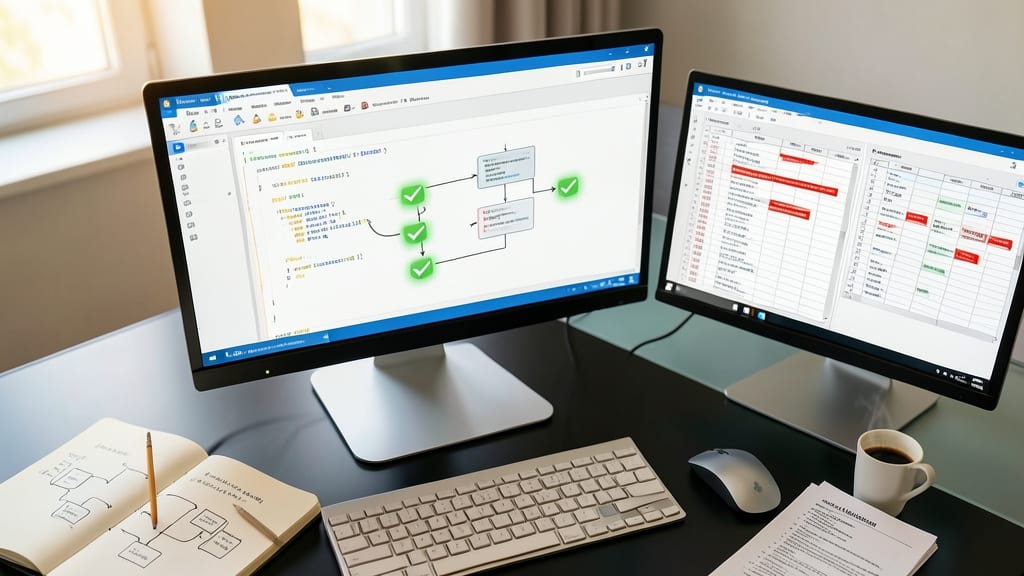
Tired of manually repeating the same tasks in Microsoft Access? The Microsoft Docs guide on Macros and VBA Automation unlocks the power to automate workflows with just a few lines of code—no prior programming experience required.
This resource dives into creating macros to automate repetitive actions like opening forms or running reports, while also introducing Visual Basic for Applications (VBA) for custom solutions. You’ll learn to write scripts that interact with databases, validate data entries, and even generate dynamic reports—all without leaving Access. The documentation includes step-by-step examples and best practices for debugging.
Perfect for power users, office administrators, or small business owners who need to save hours on manual data tasks. Whether you're managing inventory, customer records, or internal workflows, VBA can turn Access into a fully customizable powerhouse. 💻
Microsoft Access for Data Analysis by Coursera Free Audit
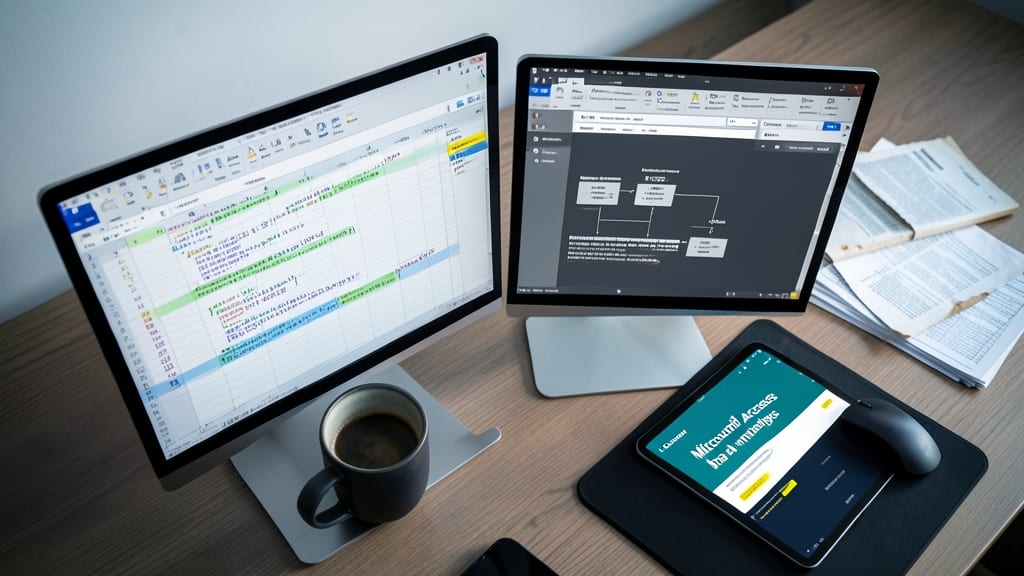
If you’re drowning in spreadsheets but need to turn raw data into strategic decisions, Coursera’s Microsoft Access for Data Analysis course bridges the gap without requiring a degree in data science. This isn’t just another database tutorial—it’s a hands-on guide to using Access as your personal analytics powerhouse.
The course teaches you to build interactive dashboards, create dynamic pivot tables, and automate reports—all while working with real-world datasets. You’ll learn query optimization techniques to extract insights faster and visualization best practices to present data clearly. Best of all, the free audit option lets you access all materials, including graded assignments, without paying for a certificate.
Perfect for business analysts, small business owners, or marketers who need to make data-driven decisions but lack SQL or Excel advanced skills. Dive in to turn your Access databases into decision-making engines. ✨
Microsoft Access Mobile Database Solutions by Microsoft Learn
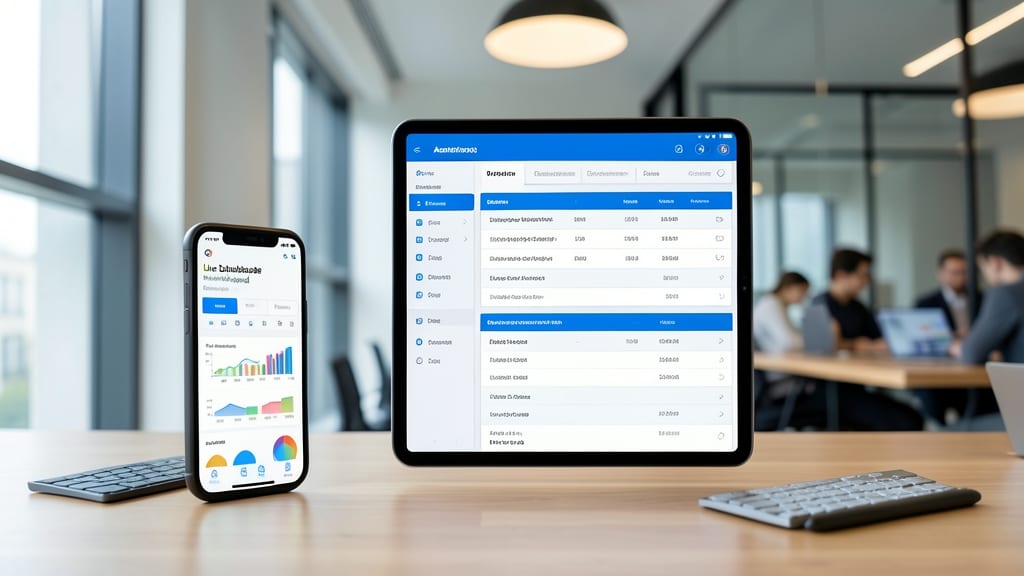
Tired of being chained to your desktop when managing Access databases? Microsoft Learn’s Mobile Database Solutions course teaches you how to design databases that work seamlessly on tablets and smartphones—no compromises on features or performance.
You’ll learn to optimize forms, queries, and reports for touchscreen input, use offline sync capabilities, and leverage SharePoint integration for cloud access. The course covers real-world scenarios like field data collection or remote inventory management, ensuring your databases adapt to mobile workflows without losing functionality.
Perfect for field technicians, sales teams, or anyone who needs to access critical data on the go. ✨
Microsoft Access Security and Data Protection by Udacity Free Course
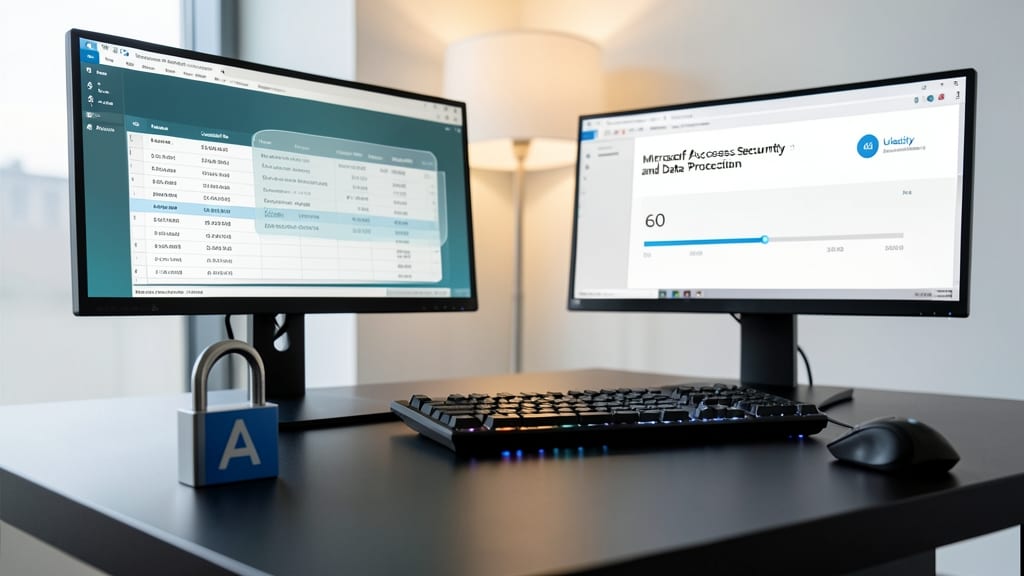
If your Access databases contain client records, financial data, or confidential projects, security isn’t optional—it’s critical. Udacity’s free course on Microsoft Access Security and Data Protection fills this gap by teaching you how to safeguard sensitive information with role-based permissions, encryption, and audit trails—all without requiring a cybersecurity degree.
The course dives into user-level security models, showing you how to restrict access to specific tables or queries based on job roles (e.g., read-only for interns, full edit for managers). You’ll also learn to apply database-level encryption and configure login authentication to prevent unauthorized access. Hands-on labs let you practice securing a sample database, ensuring you can apply these techniques to real-world projects immediately.
This is the go-to resource for small business owners, HR professionals, or developers managing databases with sensitive data. Whether you’re protecting payroll records or client portals, these skills will give you peace of mind. 💻
Microsoft Access Integration with Power Apps by Microsoft Tutorials

Stuck with an old Access database but want to modernize it with cloud-powered apps? Microsoft’s official Power Apps integration tutorials show you exactly how to connect your legacy Access databases to cloud-based solutions—without rewriting everything from scratch.
You’ll learn to use Power Apps’ built-in connectors to link Access tables to custom apps, then extend functionality with Power Automate workflows for real-time data sync. The tutorials cover everything from basic table imports to advanced scenarios like multi-user access and offline-first designs, all using Microsoft’s official documentation and video guides.
Perfect for small business owners, IT admins, or developers maintaining legacy systems who want to add mobile or web interfaces without switching platforms entirely. ✨
Microsoft Access Real-World Projects by OpenClassrooms Free Course
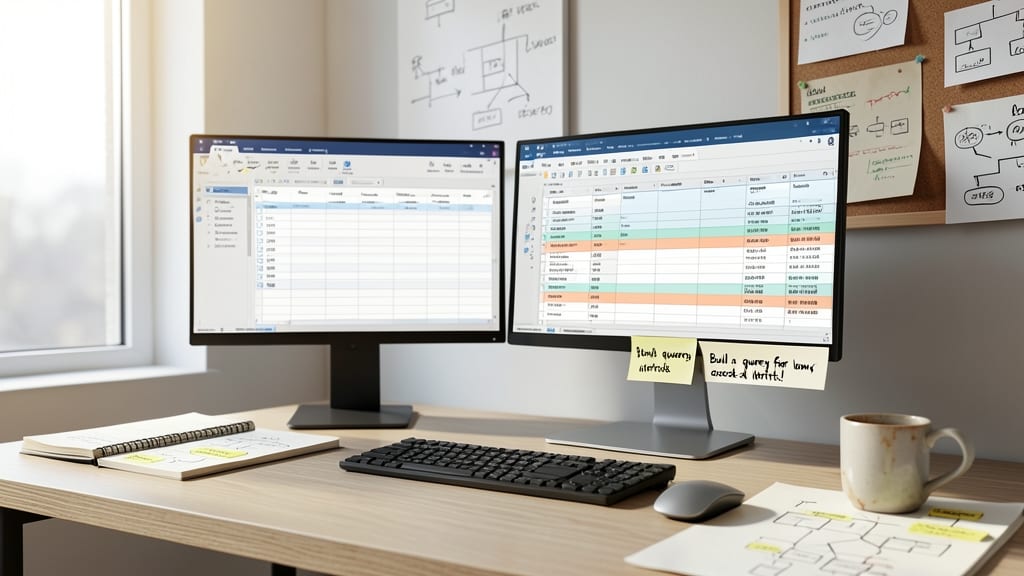
If you learn best by building real projects, OpenClassrooms’ free Microsoft Access course delivers exactly that—no fluff, just hands-on experience. Instead of dry theory, you’ll construct practical databases like a client management system or inventory tracker, mirroring real-world workflows.
The course guides you through end-to-end project development, from structuring tables to designing forms and reports. You’ll work with sample datasets and customizable templates, ensuring your skills translate directly to workplace scenarios. The project-based approach makes complex concepts click faster than traditional lectures ever could.
Small business owners, freelancers, and office managers will find this course especially valuable—it turns abstract database skills into tangible tools for their daily work. 💻