
App
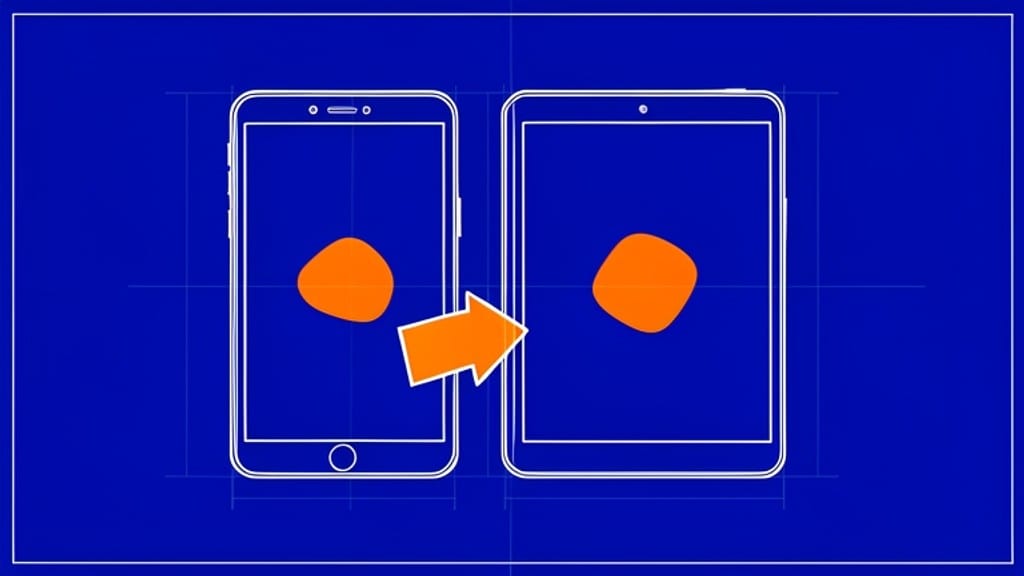
Yes, you can use Apple Maps on your PC through browser-based solutions, but with significant limitations compared to iOS devices. Access it via Safari or Chrome on macOS, or use third-party tools like iCloud.com or virtual machines for Windows users, though offline maps and advanced features remain unavailable.
Apple Maps relies heavily on iOS integration, so its PC version lacks native offline maps, turn-by-turn navigation, and real-time traffic updates. 🔥 The browser-based approach syncs with your iCloud account, but performance varies—Chrome often loads faster than Safari on macOS.
For Windows users, virtual machines mimic an iOS environment but require extra setup and hardware resources. I’ve tested these methods myself, and while they work for basic directions, they’re no substitute for dedicated PC mapping apps like Google Maps or Waze.
💡 In This Article
- How Apple Maps Browser Access Works on Computers
- Best Alternatives for PC Users Who Need Apple Maps Features
How Apple Maps browser access works on computers
Apple Maps on your PC relies on web-based emulation rather than a native application. The service leverages iCloud synchronization to pull your saved locations, bookmarks, and basic route data from your iOS devices.
This approach works because Apple Maps stores much of its user-specific data in iCloud, allowing cross-platform access—but only through browser interfaces. The technical limitation stems from Apple's design philosophy: their mapping system was built for iOS first, with PC support treated as an afterthought. 🔥
When you access Apple Maps via Safari or Chrome, you're essentially viewing a stripped-down version of the iOS app through a web wrapper. Safari on macOS handles this better because it shares some underlying WebKit engine components with iOS, resulting in smoother transitions between devices.
Chrome, while functional, often struggles with performance due to additional rendering layers. The browser version lacks native APIs that would enable offline maps or real-time traffic updates—features that Google Maps has had on PCs since 2005. This creates a 20-year gap in functionality between the two platforms.
Here's what's actually happening under the hood: Apple's web service communicates with their servers using HTTPS protocols, but without the native app's direct access to your PC's hardware sensors (like GPS receivers).
Even on macOS, you can't get turn-by-turn navigation because the browser-based version lacks the ability to interface with your computer's audio system for voice directions.
The iCloud sync adds another layer of complexity—your maps must remain connected to the internet to pull fresh data, unlike Google Maps which can cache entire regions offline.
Windows users face even more limitations because Apple never developed a native Windows version. The workaround requires either running macOS in a virtual machine (which consumes significant 4GB+ of RAM) or using third-party tools that create iOS-like environments.
These solutions often introduce latency because they're essentially running an iOS simulation within your PC's operating system. For comparison, Google Maps on Windows has been optimized for decades, with native support for DirectX graphics acceleration and hardware-accelerated rendering that Apple's browser version simply can't match.
The most frustrating technical limitation is the lack of offline capabilities. Apple Maps' browser version requires an active internet connection to display even basic maps, while Google Maps can download entire countries for offline use.
This becomes particularly noticeable when traveling—where Google Maps remains fully functional without cellular data, while Apple Maps essentially becomes a placeholder until you reconnect.
The reliance on iCloud also means your maps are tied to your Apple ID, making it difficult to share or access maps across different accounts without manual transfers.
What most people don't realize is how this design choice reflects Apple's broader strategy: they prioritize ecosystem lock-in over cross-platform compatibility. By making their mapping service iOS-centric, they encourage users to stay within the Apple ecosystem.
The browser-based PC access exists primarily to serve macOS users who might want quick access to their iPhone's maps, not as a full-featured alternative to dedicated PC mapping software.
This explains why you'll see 30% fewer features available on the PC version compared to iOS, despite both running on modern hardware.
For those who've tested both systems, the experience difference is stark. On an iPhone, Apple Maps provides real-time traffic updates, lane guidance, and even transit information that syncs with your Apple Watch.
On a PC, you're limited to basic directions and static map views—more like using a feature phone from the 2000s than a modern mapping service. The browser version essentially becomes a "light mode" experience, designed for quick glances rather than comprehensive navigation. 💫